All Activity
- Today
-

Civil Drafting with AutoCAD Project-Civil Drafting with AutoCAD Project
nelsonm replied to nelsonm's topic in Student Project Questions
I have another question, Drafting the Existing Site Plan (Sheet 1): It says this: "The area is in a state that bases all surveys on the intersection of a meridian and a baseline for that state. Therefore, the origin (or point 0, 0) for allsurveys is at that intersection, and any x- and y-coordinates tell the distance in feet from the intersection. If, for example, a benchmark is at point11675,39532, the benchmark is 2.21 miles east of the intersection and 7.49 miles north of the intersection. A benchmark (BM 312) exists at the northwest corner of the survey area. BM 312 has an elevation of 88.9 feet, and its coordinates are 521662,44895." Can someone explain this to me? -
What is the error message you are seeing?
-

How to copy an object to a specified distance
BIGAL replied to sinergy2020's topic in AutoCAD Beginners' Area
A couple of ways type copy, pick objects, pick start point, drag mouse, have say ortho on for in X & Y direction, type distance all done. These were written like 40 years ago. If you have this task a lot then Appload add to startup a lisp with code. (defun C:CHX () (SETVAR "CMDECHO" 0) (setq sn (getvar "osmode")) (command "osnap" "near") (princ "\nalters object in X direction") (setq ht (getstring "\n What is amount of change: ")) (setq newht (strcat ht ",0")) (while (setq newobj (entsel "\nPoint to object: ")) (command "move" newobj "" "0,0" newht) ) ) ; (defun C:CHY () (SETVAR "CMDECHO" 0) (setq sn (getvar "osmode")) (command "osnap" "near") (princ "alters object in Y direction") (setq ht (getstring "\n What is amount of change: ")) (setq newht (strcat "0," ht)) (while (SETQ NEWobj (entsel "\nPoint to object: ")) (command "move" newobj "" "0,0" newht) ) ) ;simple routine to change objects in the z direction (defun C:CHZ () (SETVAR "CMDECHO" 0) (setq sn (getvar "osmode")) (command "osnap" "near") (setq x 0) (princ "alters object in Z direction") (setq ht (getstring "\n What is amount of change: ")) (setq newht (strcat "0,0," ht)) (while (SETQ NEWobj (entsel "\nPoint to object: ")) (command "move" newobj "" "0,0,0" newht) ) ) -
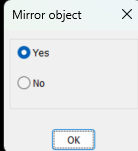
For me I pop this, you can set Yes or No as default so press Ok or press enter (if (not AH:Butts)(load "Multi radio buttons.lsp")) ; loads the program if not loaded already (if (= but nil)(setq but 1)) ; this is needed to set default button (setq ans (ah:butts but "V" '("Mirror object" "Yes" "No" ))) ; ans holds the button picked value as a string Another is using ACET YesNo. Just google. Multi radio buttons.lsp

- Yesterday
-
Hi, I am a beginner, and I am actually using nanocad, which seems to have very similar basic commands as Autocad. It basically looks so ... I'd like create a copy of an existing object, such as a rectangle, just beside the original one but at a specific distance. I am using the copy command which has a parameter for inputting a distance but I never manage to actually copy the new object exactly beside the exiting one at the specified distance. How is this done in Autocad?
-
 rahul0007 joined the community
 -
hi can anyone help me to fix the error in .dwg file.
-
 draftingdiscipline joined the community
 -
 Cryptic joined the community
 -
Solution?
-

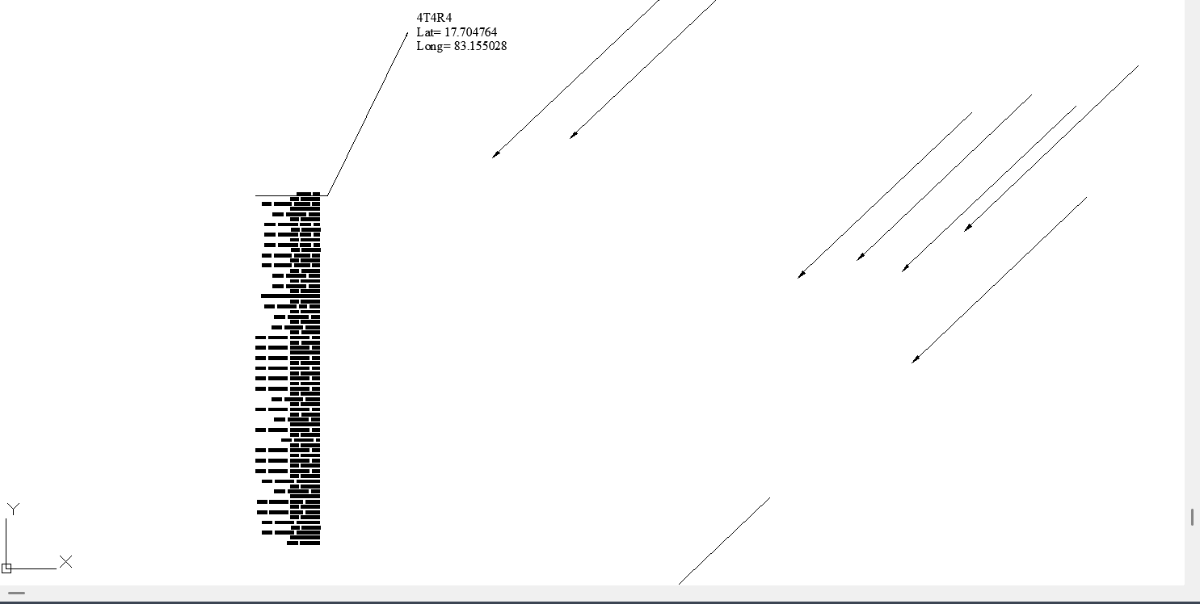
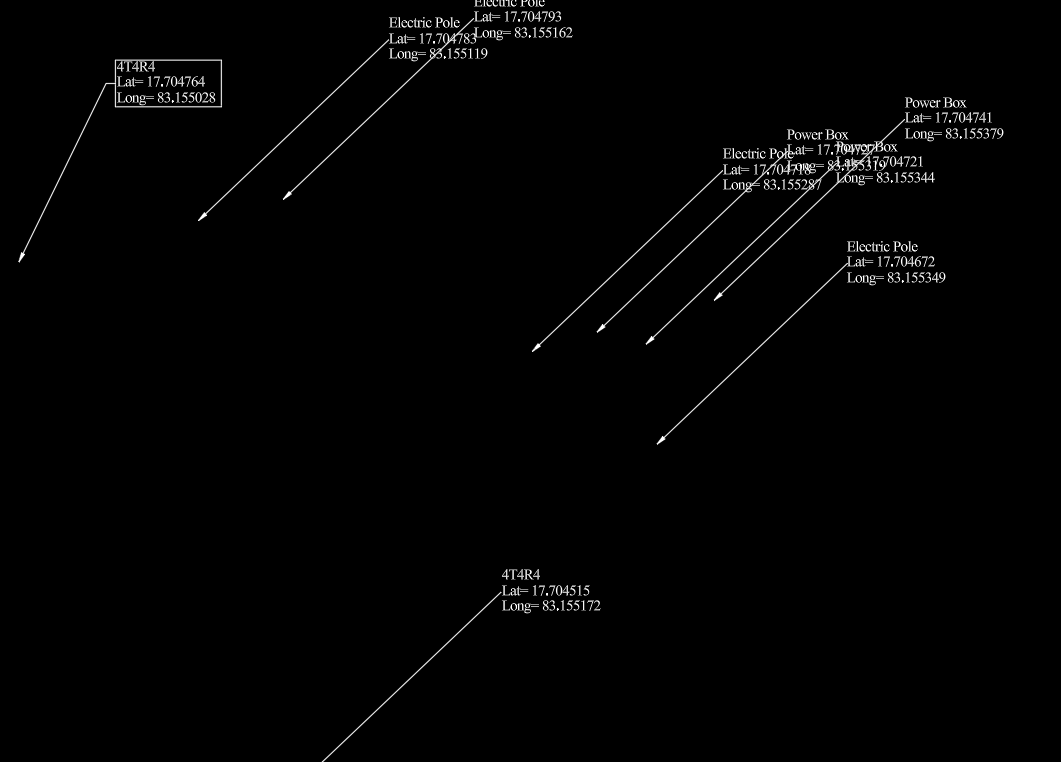
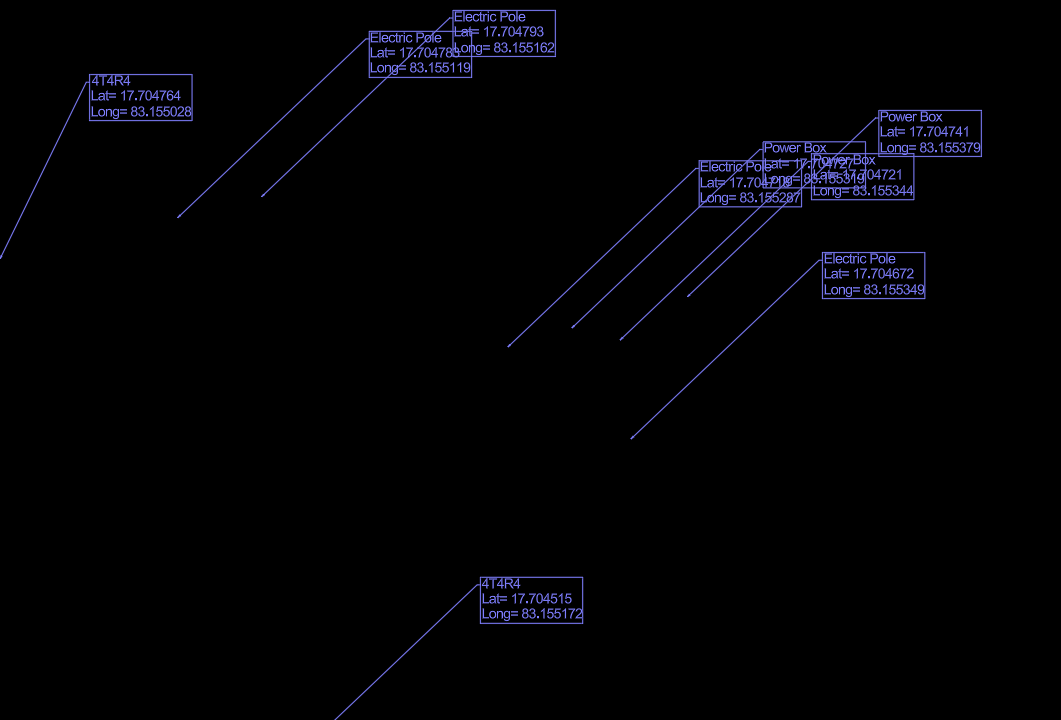
leader and mtext are not attaching
pmadhwal7 replied to pmadhwal7's topic in AutoLISP, Visual LISP & DCL
@pkenewell i was try the lisp and see the result all text are join in one place
-

Understanding 'Getenv Variable call denied'?
pkenewell replied to ScottMC's topic in AutoLISP, Visual LISP & DCL
@ScottMC Sorry, I don't understand what you are trying to convey. Please try to explain better what you mean, or make some screenshots of what your intended outcome is. -
 AEODC joined the community
 -
 Engenext changed their profile photo
 -

Understanding 'Getenv Variable call denied'?
ScottMC replied to ScottMC's topic in AutoLISP, Visual LISP & DCL
pkenewell, used this make the circle the primary, last obj to select/edit the intention was to clear the global 'pp [true unneeded] q: is there a simpler way? and I use the coords so prefer it 'first' on the cmd-line for copy/paste ------------------- my reg use is 'very.small' - understand! - Last week
-
 SG2000 joined the community
 -
 rozbarti997 joined the community
 -
 madongsu joined the community
 -
 Ankit Pandit joined the community
 -
 Tule joined the community
 -
 ravikumar joined the community
 -
Ok, I fix it. Thanks
-
leader and mtext are not attaching
pkenewell replied to pmadhwal7's topic in AutoLISP, Visual LISP & DCL
Unfortunately QLATTACHSET doesn't seem to want to work still -
leader and mtext are not attaching
pkenewell replied to pmadhwal7's topic in AutoLISP, Visual LISP & DCL
Yes - That's it! I looked at the drawing again, and the z dim was off by a very small amount! when I set z to zero on the entities - QLATTACH works. -

leader and mtext are not attaching
mhupp replied to pmadhwal7's topic in AutoLISP, Visual LISP & DCL
I wonder if their is a Z difference that those commands error. many a "2D" Drawing iv been given has stuff like 100' above everything else. -
leader and mtext are not attaching
pkenewell replied to pmadhwal7's topic in AutoLISP, Visual LISP & DCL
@pmadhwal7 Looks like you had this same problem in 2019. MLEADERS were suggested to you then and you didn't try the tools offered? I did the following with a LEADER to MLEADER conversion very quickly:
-
Understanding 'Getenv Variable call denied'?
mhupp replied to ScottMC's topic in AutoLISP, Visual LISP & DCL
100% setenv is writing strings to your windows registry. not good if you are doing that for all variables. might want to check to see what else you have been writing there. HKEY_CURRENT_USER\Software\Autodesk\AutoCAD\R##.#\ACAD-####:###\Profiles\<<Unnamed Profile>>\Variables tho setenv will persist even after reboot. overkill for most variables need in lisp. like @pkenewell said you should be good with just global variables. that holds while the drawing is open but make them unique. if you need to hold a variable in the drawing itself. use ldata that will persist in the drawing. so you can close and reopen it. -

Drawing a house with just 10-key input.
Tsuky replied to Ataim's topic in AutoLISP, Visual LISP & DCL
Or using the method proposed by @Stefan BMR we could automate in lisp like this: (enter the distances when the cursor is on the tracking line to get the desired angles) (defun des_vec (lst col / lst_sg) (setq lst_sg (list (cadr lst) (car lst))) (setq lst (cdr lst)) (while lst (if (cadr lst) (setq lst_sg (cons (cadr lst) (cons (car lst) lst_sg))) ) (setq lst (cdr lst)) ) (setq lst_sg (cons col lst_sg)) (grvecs lst_sg) ) (defun c:pl90-45 ( / old_set p1 p2 lst_pt msg) (setq old_set (mapcar 'getvar '("GRIDMODE" "ANGDIR" "ANGBASE" "POLARANG" "POLARMODE" "AUTOSNAP" "SNAPANG" "ORTHOMODE"))) (initget 33) (setq p1 (getpoint "\nPick start point: ")) (initget 33) (setq p2 (getpoint p1 "\nReference start angle: ") lst_pt (list (list (car p1) (cadr p1))) msg "\nGive distanve in the direction of cursor: " ) (mapcar 'setvar '("GRIDMODE" "ANGDIR" "ANGBASE" "POLARANG" "POLARMODE" "AUTOSNAP" "SNAPANG" "ORTHOMODE") (list 0 0 (angle p1 p2) (* 0.25 pi) 3 2 (angle p1 p2) 1) ) (initget 303) (while (and (setq p2 (getpoint p1 msg)) (/= p2 "C")) (cond ((/= p2 "U") (setq p2 (list (car p2) (cadr p2))) (mapcar 'setvar '("AUTOSNAP" "SNAPANG" "ORTHOMODE") (list 10 (angle p1 p2) 0) ) (setq p1 p2 lst_pt (cons p2 lst_pt) msg "\nGive distanve in the direction of cursor or [C/U] for Close or Undo : " ) ) (T (setq lst_pt (cdr lst_pt) p1 (car lst_pt) ) ) ) (redraw) (des_vec lst_pt 7) (initget 302 "C U") ) (entmake (append (list '(0 . "LWPOLYLINE") '(100 . "AcDbEntity") (cons 8 (getvar "CLAYER")) '(100 . "AcDbPolyline") (cons 90 (length lst_pt)) (if (= p2 "C") '(70 . 1) '(70 . 0)) ) (mapcar '(lambda (x) (cons 10 x)) lst_pt) ) ) (mapcar 'setvar '("GRIDMODE" "ANGDIR" "ANGBASE" "POLARANG" "POLARMODE" "AUTOSNAP" "SNAPANG" "ORTHOMODE") old_set) (prin1) ) -
leader and mtext are not attaching
pmadhwal7 replied to pmadhwal7's topic in AutoLISP, Visual LISP & DCL
@pkenewellthis is the actual file i was attached after that we rotate it and make it like seen in screenshot, leader and text are zero digree roation the curret leader text are easy to move and rotate so we use those if u have any other method kindly shre
-
leader and mtext are not attaching
pkenewell replied to pmadhwal7's topic in AutoLISP, Visual LISP & DCL
Yes - I checked you file, but the first time, I just used my convert to MLEADER program and successfully did ALL the annotations. Going back into it now, I see the the QLATTACH and QLATTACHSET is not working for every leader. I can't explain why sorry. There is no error message on some - it just does not do it. -
leader and mtext are not attaching
pmadhwal7 replied to pmadhwal7's topic in AutoLISP, Visual LISP & DCL
@pkenewellsir did u check my file? -
leader and mtext are not attaching
pkenewell replied to pmadhwal7's topic in AutoLISP, Visual LISP & DCL
@pmadhwal7 You cannot attach the text to standard LEADER objects so they move together. They would at least have to be converted to QLEADERS. MLEADERS are better. I convert all my old leaders to MLEADERS using a similar program, so that the text stays with the leader. PS: The express tools "Annotation Attachment > Attach Leader to Annotation" works with the older leaders like @mhupp said, using reactors (Makes it a QLEADER effectively). However, to move the leader, you always have to move the TEXT first. If you move the leader end point near the text first, the text will stay where it is. That's why MLEADERS are better! -
leader and mtext are not attaching
pmadhwal7 replied to pmadhwal7's topic in AutoLISP, Visual LISP & DCL
no through global attached leader commond those types of leader text not join i tried that too -
 mhy3sx changed their profile photo
 -
hi i use this code to insert block in zwcad. this is part of bigger code ;; Calculate scale factor based on distance from mid1 to mid2 (setq scaleFactor (distance mid1 mid2)) ;; Block options (defun _eArt67 () (setq blkn "C:\\blocks\\eArt67.dwg") (if (and mid1 mid2) (progn (setq scl (distance mid1 mid2) ang (angle mid1 mid2)) (if (setq ins mid1) (command "._-insert" blkn "_non" ins scaleFactor "" (angtos (+ (/ pi 2) ang))) ) ) ) ) i find this code and i like the part mirror the block using [TAB]. (defun C:test ;| credits to: Lee Mac |; ( / *error* cm SelBname bn p Blk ll ur msg SS cen Grrr mc ) (defun *error* (m) (redraw)(and cm (setvar 'cmdecho cm)) (and m (print m)) (princ)) (defun SelBname ( / e bn ) (setvar 'errno 0) (while (/= 52 (getvar 'errno)) (setq e (car (entsel "\nSelect block to reinsert <exit>: "))) (cond ( (= 7 (getvar 'errno)) (princ "\nMissed, try again.") (setvar 'errno 0) ) ( (and (= 'ENAME (type e)) (/= (cdr (assoc 0 (entget e))) "INSERT")) (princ "\nThis is not a block.") (setq e nil) ) ( (and e (not (alert "Visit lee-mac.com")) (setq bn (vla-get-EffectiveName (vlax-ename->vla-object e))) (setvar 'errno 52)) ) ); cond ); while bn ); defun SelBname (redraw) (setq bn (SelBname)) (while (and (setq cm (getvar 'cmdecho)) (setvar 'cmdecho 0) bn (last (setq p (list (getpoint "\nSpecify insertion point <exit>: ")))) (last (setq p (append p (list (getpoint (last p) "\nSpecify second point <exit>: "))))) (not (apply 'grdraw (append p (list 1 7)))) (setq Blk (vla-InsertBlock (vlax-get-property (vla-get-ActiveDocument (vlax-get-acad-object)) (if (= 1 (getvar 'CVPORT)) 'Paperspace 'Modelspace) ) ; AcSpc (vlax-3D-point (car p)) bn 1. 1. 1. 0. ) ) ) (progn (vla-GetBoundingBox Blk 'll 'ur) (vla-ScaleEntity Blk (vlax-3D-point (car p)) (/ (apply 'distance p) (abs (apply '- (mapcar 'car (mapcar 'vlax-safearray->list (list ll ur))))) ) ) (vla-put-Rotation Blk (apply 'angle p)) (setq msg "\nPress [TAB] to change orientation, [ENTER] to exit: ") (and msg (princ msg)) (setvar 'errno 0) (setq SS (ssadd)) (ssadd (handent (vla-get-Handle Blk)) SS) (setq cen (apply 'mapcar (cons '(lambda (a b) (/ (+ a b) 2.)) p))) (while (/= 52 (getvar 'errno)) (setq Grrr (grread T)) (cond ((= (car Grrr) 2) (cond ((= (cadr Grrr) (ascii "\t")) (and msg (princ msg)) (and (not mc) (setq mc 0)) (setq mc (rem (+ mc 1) 4)) (cond ( (or (= mc 1) (= mc 3) ) (command "_.MIRROR" SS "" "_non" cen "_non" (polar cen (+ (apply 'angle p) (/ PI 2.)) (apply 'distance p)) "_Y") ) ( (or (= mc 2) (= mc 0) ) (command "_.MIRROR" SS "" "_non" cen "_non" (polar cen (apply 'angle p) (apply 'distance p)) "_Y") ) ) ) ((= (cadr Grrr) (ascii "\r")) (princ "\nExiting.") (redraw) (setvar 'errno 52) ) ); cond ) ((= (car Grrr) 25) (princ "\nExiting.") (redraw) (setvar 'errno 52) ) ); cond ); while ); progn ); while/if (and cm (setvar 'cmdecho cm)) (princ) );| defun |; (vl-load-com) (princ) Is it possible to add this part to the first code? Thanks
-
Understanding 'Getenv Variable call denied'?
pkenewell replied to ScottMC's topic in AutoLISP, Visual LISP & DCL
@ScottMC I don't see the purpose of why you are cutting the circle, printing the coordinates to the command line, then pasting the circle in the same loop? - You don't need to initialize the pp variable as "" - There is not apparent reason to cut and paste the circle. - You do not need to put a Global variable into the registry to recall it again in the same session, even if the program stops. Try out the following code: (defun c:C2 (/ cr el *error* fp oe os p p2) (defun *error* (msg) (if oe (setvar "cmdecho" oe)) (if os (setvar "osmode" os)) (vla-endundomark (vla-get-activedocument (vlax-get-acad-object))) (princ (strcat "\n" msg)) ) (vla-startundomark (vla-get-activedocument (vlax-get-acad-object))) (setq oe (getvar "cmdecho") os (getvar "osmode") ) (setvar "cmdecho" 0) (while (and (setvar 'osmode (boole 7 os 512)) (setq fp (getpoint "\nSpecify 1st Point of 2P.Circle: ")) ) (command "._Circle" "_2P" "_non" fp) (setvar "osmode" OS) (princ "\nSecond Point: ") (while (= (logand (getvar "cmdactive") 1) 1) (command pause) ) (setq el (entget (entlast)) p (trans (cdr (assoc 10 el)) (cdr (assoc 210 el)) 1) p2 (getvar "lastpoint") cr (getvar "circlerad") ) (princ (strcat "\n Coordinates: " (setq C2:pp ;; Global Variable "C2:pp" (strcat (rtos (car p) 2 4) "," (rtos (cadr p) 2 4) "," (rtos (caddr p) 2 4) ) ) "\n Diameter: " (rtos (* cr 2) 2 4) "| Radius: " (rtos cr 2 4) "\n" ) ) (entmakex (list (cons 0 "POINT") (cons 10 p))) (entmakex (list (cons 0 "POINT") (cons 10 p2))) ) (setvar "cmdecho" oe) (vla-endundomark (vla-get-activedocument (vlax-get-acad-object))) (princ) ) -
leader and mtext are not attaching
mhupp replied to pmadhwal7's topic in AutoLISP, Visual LISP & DCL
I'll give you a hint its in the 2nd Reply. no lisp code needed just express tool.