All Activity
- Past hour
-

Publish as PDF,Purge all and save as dxf binary 2007
pyou replied to pyou's topic in AutoLISP, Visual LISP & DCL
Thank you all, i will give it a try. - Today
-

Can I read and copy Dynamic Block properties to another block reference?
BIGAL replied to p7q's topic in AutoLISP, Visual LISP & DCL
Yes ! Your first step is get a copy of lee-mac dynamic block properties.lsp. I like others have used his code with great success. You may need to get all property names first, so you can then get in turn that property value, eg "Distance1", the current visibility state is much easier to get. If you get stuck just post again. https://www.lee-mac.com/dynamicblockfunctions.html -
Don't use CIV3D much anymore but there is the command IMPORTSTYLES if I have the command name correct can choose what is imported from another dwg.
-
Here is another way it makes a radio button dcl on the fly. There is examples how to use in the top of the code. Just save in a support path or add the full path to the (load "Multi Radiobuttons.lsp") Multi radio buttons.lsp
-
Just a follow up. I posted that long before I knew the importance of making sure that the Author of the code is noted as well as where I found the code. All credit goes to Gilles Chanteau. I have no idea where I found that code... It is probably somewhere here on cadtutor. I have since, started making sure that ifo is included as a header in the file, that way it doesn't look like I am trying to take claim for it and also, if/when something stops working I know where to go to address the issue. ~Greg original posting of code: https://www.theswamp.org/index.php?topic=29339.msg350137#msg350137
-
 oscar flores joined the community
 -
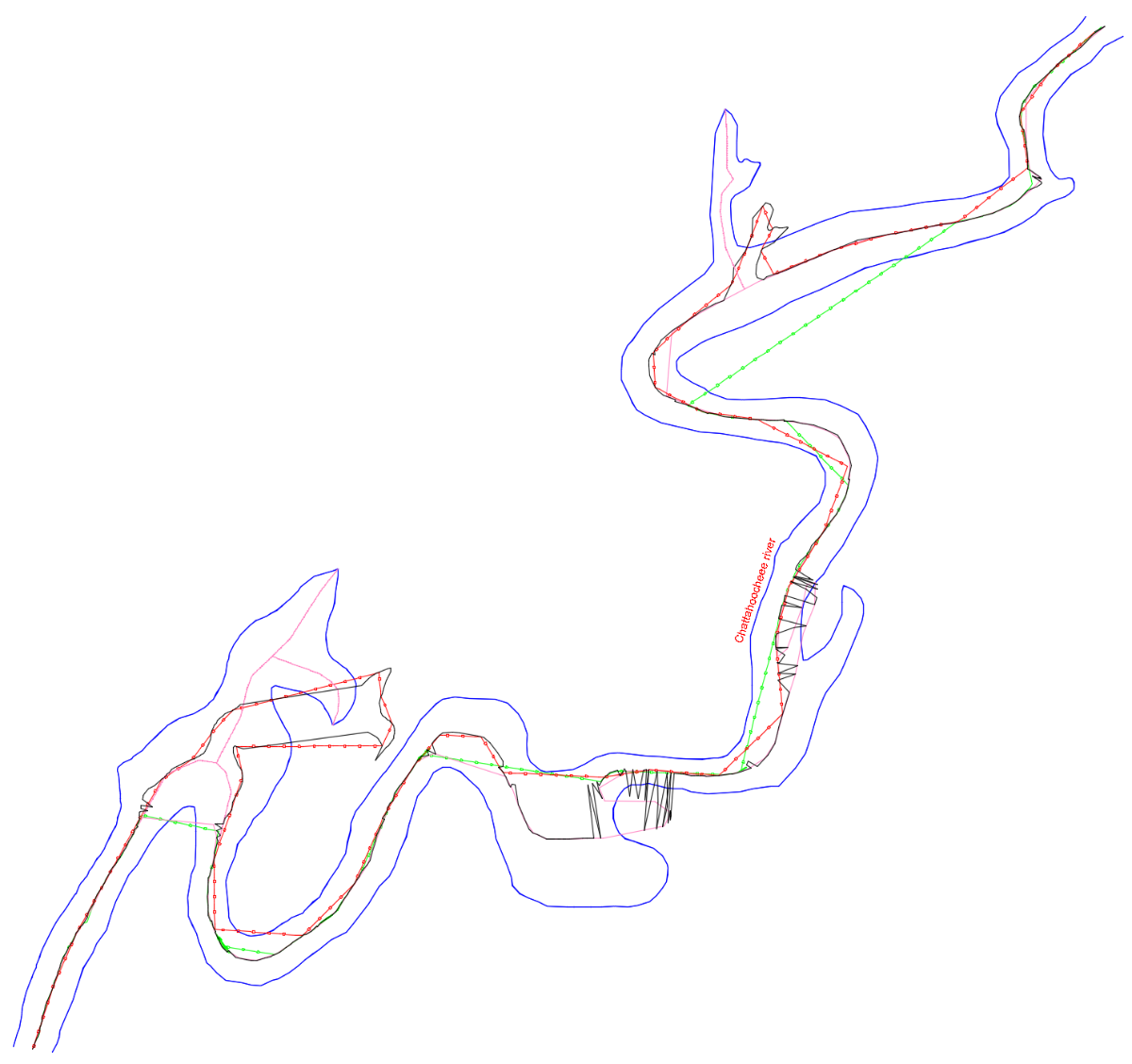
I think the real-world situation may be more complex than what we’ve seen here so far. I took a look at the links that @SLW210 attached and decided to test the Lisp codes proposed up to this point. I looked through my drawings for something that could serve as an example for this problem, but it was like looking for a needle in a haystack. So, in the end, I decided to look for something in the real world that clearly corresponds to this issue — something like this: So I drew those margins and tested all the codes that have appeared in this thread so far. The result was… this! In the drawing, you can see the ones that managed to reach the end. However, the codes by BIGAL, GP_, GLAVCVS, and MarkoRibar couldn't even do that. Here’s the drawing AxisExple4.dwg

-
@Nikon Technically - your example could be done with object reactors. Alternatively, you can also use 2D constraints, which have been in AutoCAD since version 2010.
-
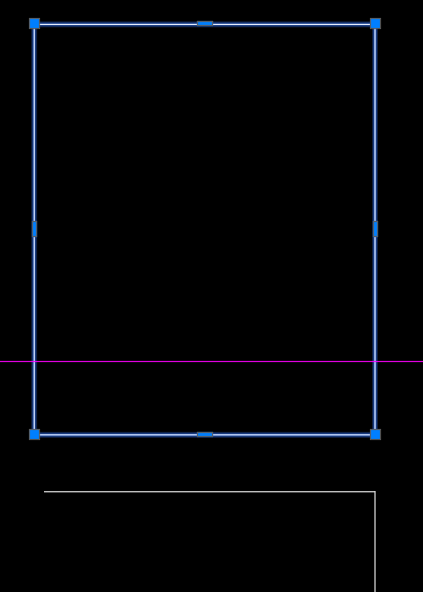
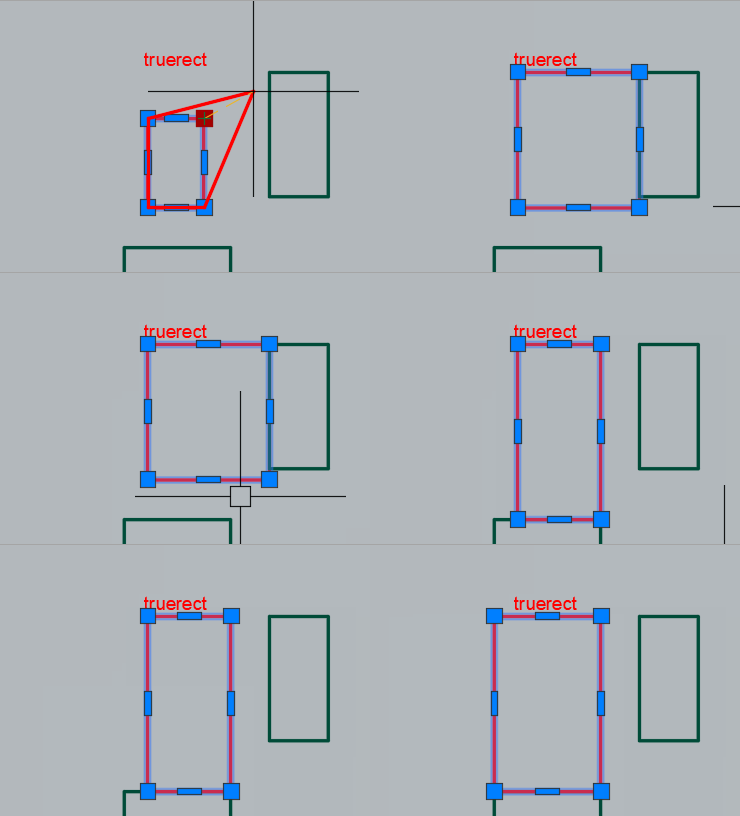
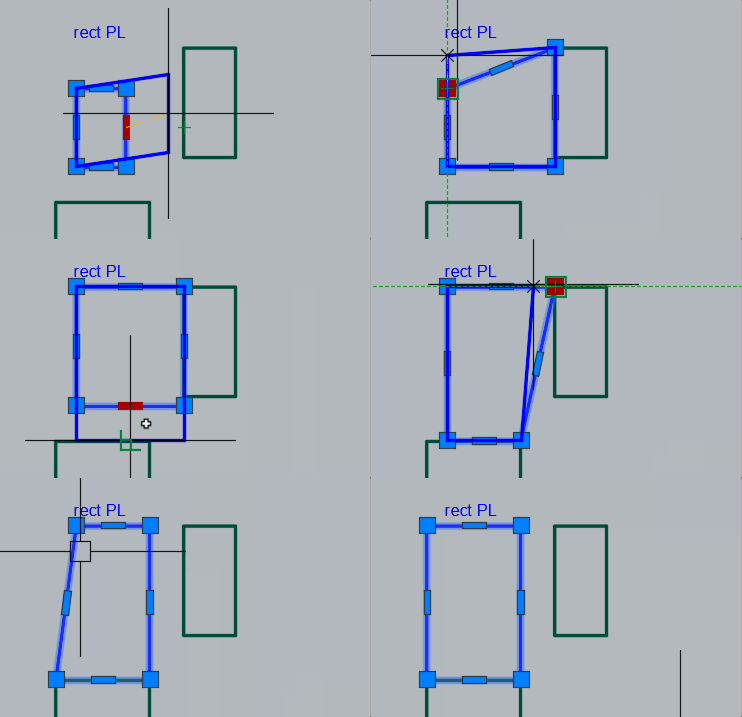
If you only edit the rectangle with this the rectangle will stay true and the editing will be a bit more intuitive because the preview will be a true rectangle as well:
-
I agree with you, I use these bindings. But when I found out how easy it is to change a true rectangle, I "fell in love" with it. I've been working in Autocad since 2000, but I don't remember that it was possible to build such a rectangle back then. I wonder in which version of Autocad was such a command available?
-
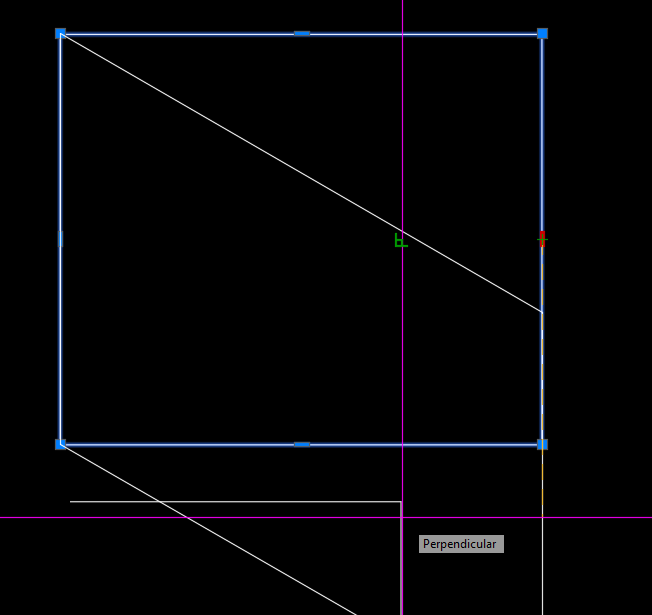
@Nikon Like I said - "For What It's Worth". Note also you can shorten the steps slightly by using the PERP object snap.
-
With a true rectangle, there is much less movement to change the position of the sides.
-
 Umpol joined the community
 -
 maxwell242 joined the community
 -
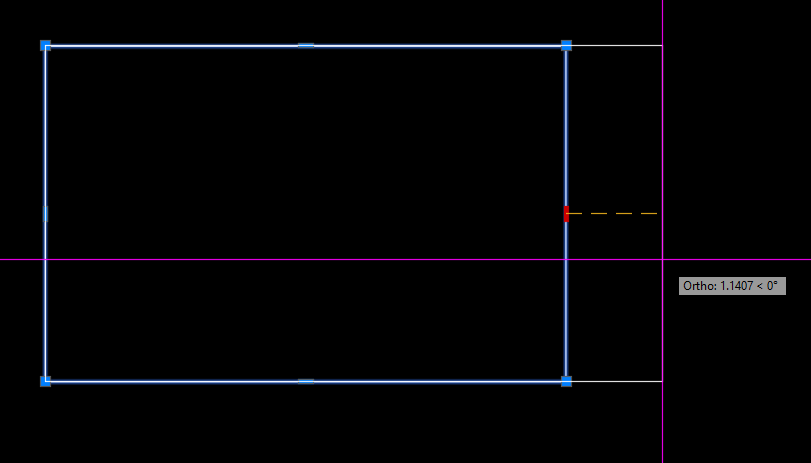
@Nikon FWIW - you can use the midpoint grips to drag the rectangle in straight directions to keep it square.
-
Maybe someone will be able to do it someday.
-
 outofdowntown joined the community
 -
It can be done, but it requires creating a custom object using ObjectARX (C++).
-
It is a pity that there is no creation of a true rectangle in autocad itself!
-
Just a wild guess, did you try using architectural units instead of engineering? That might explain why a 10" pipe is less than 1"; could it be .833", that is, smaller by a factor of 12? or maybe change the drawing units to inches?
-
 I’m trying to work with Dynamic Blocks in AutoLISP. Question: Is it possible to read a Dynamic Block’s properties/parameters (for example visibility states, dynamic distances, flips, etc.) and then copy or apply those values to another block reference using plain AutoLISP/VLISP? If this is possible, what functions or example code should I look at? Thanksss.
 -
@BIGAL From memory all it does is copy paste the coloring and range from the surface analysis and paste on the other surface. The file it exports it has ranges and colors. So I would imagine you should use the same surface style to make it work.
-
Ugh I think I watched your video too fast. I haven't had much time to do anything slowly lately I believe object reactors only survive the current drawing session. You must consider that the reactor was created relative to an object name, and object names change between drawing sessions.
-
 fehim joined the community
 -
Hi Nikon It seems your code is simply performing a scroll. You don't need Lisp to do that. Simply, select the grip and press the spacebar.
-

Help Appreciated: Force Existing Layer Names to UPPER CASE Not Working
Saxlle replied to Clint's topic in AutoLISP, Visual LISP & DCL
Yes, but as it for as Title name for the topic. The plot is different. So, you're code will certenatly accomplish the desired result. -

Help Appreciated: Force Existing Layer Names to UPPER CASE Not Working
devitg replied to Clint's topic in AutoLISP, Visual LISP & DCL
As @Clint ask for -

Import multipage PDF as AutoCAD Objects
SLW210 replied to SLW210's topic in AutoLISP, Visual LISP & DCL
RLX's doesn't change the color according to background. I use a black background and some objects are the color of the background. (This might be able to be adjusted in the PDFIMPORT options.) I tried some different PDF's and the original works fine in AutoCAD 2026 plus everything is white on black background, I need to try again with white background, but that also worked previously on the original, I might try 2025 later today if I get the time. IIRC, Adobe Acrobat, Bluebeam, and probably others have OCR options, but I usually don't bother converting text unless necessary, then I just manually use the one in AutoCAD, occasionally I have used the Acrobat OCR with mixed results. Of coarse, this would be much simpler if we just made the contractors give us the actual AutoCAD files instead of PDFs, me doing such a good job with the PDFs they don't seem to want to put forth the effort. I have had them send .dwg when they didn't convert well. Keeps me employed I guess. -
Glad it works! You're welcome
-
This solution worked perfectly Thank you so much