All Activity
- Past hour
-

[LISP plugin] Smart Break-a tool for quickly breaking line objects
VicoWang replied to VicoWang's topic in AutoLISP, Visual LISP & DCL
Good eye! To be honest, this is simply a lightweight wrapper around the native ._BREAK command — no custom vlax-curve stuff here. It just passes the pick points directly to CAD. So for edge cases like 3D Polylines or closed objects (PELLIPSE = 1), it completely inherits standard AutoCAD behavior (and its native limitations). Here is the source code so you can see exactly what it's doing under the hood: ;; ----------------------------------------------------------------------------- ;; Plugin Name: Smart Break ;; Version: 1.0 ;; Author: Vico ;; Description: A smarter break command for Line, Polyline, Circle, Arc, Ellipse, ;; and Spline objects. Supports both single-point and two-point break operations. ;; ----------------------------------------------------------------------------- (defun c:SB ( / *error* old_osmode old_cmdecho ent pt1 pt2 ) (defun *error* ( msg ) (if old_osmode (setvar "OSMODE" old_osmode)) (if old_cmdecho (setvar "CMDECHO" old_cmdecho)) (princ) ) (setq old_osmode (getvar "OSMODE")) (setq old_cmdecho (getvar "CMDECHO")) (setvar "OSMODE" 545) (setvar "CMDECHO" 0) (if (setq ent (entsel "\nSelect object to break: ")) (if (setq pt1 (getpoint "\nSpecify first break point: ")) (progn (setq pt2 (getpoint pt1 "\nSpecify second break point <Press ENTER for single point>: ")) (if (not pt2) (setq pt2 pt1) ) (vl-cmdf "._BREAK" ent "_F" "_non" pt1 "_non" pt2) ) ) ) (setvar "OSMODE" old_osmode) (setvar "CMDECHO" old_cmdecho) (princ) ) (princ "\nSmart Break v1.0 by Vico loaded. Type SB to execute.") (princ) -
I'm at home today, back at work tomorrow. I can do it, just need the time. I quickly tested this at home on 2000i and it looks to be working fine. I do believe I have everything working Except the direct to MS Excel on LibreOffice Calc. I have posted an updated LISP in the first post.
-

[LISP plugin] Smart Break-a tool for quickly breaking line objects
SLW210 replied to VicoWang's topic in AutoLISP, Visual LISP & DCL
Does it break an Ellipse that was created with PELLIPSE = 1, which is the old style Polyline, a.k.a. Heavy Polyline and 2D Polyline? 3D Polylines? -
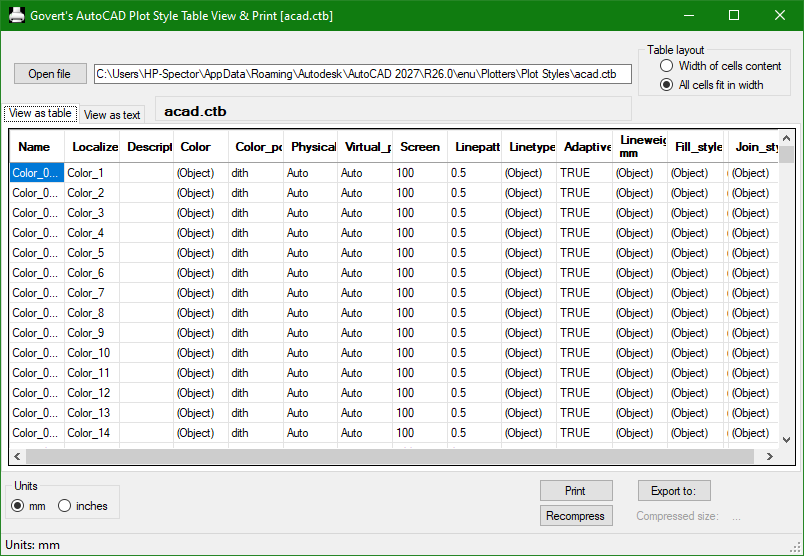
I forgot all about Govert's programs. I use them on the home computers that have AutoCAD 2000i.
-
I've been getting those randomly as well at home on Firefox and work on Edge.
-
PDF Plot Shaded Visual Style = Sawtooth Edge
SLW210 replied to lamensterms's topic in AutoCAD Drawing Management & Output
It is most likely the graphics cards/drivers. They show a large difference in performance benchmarks. Are the drivers up to date? Do they look better in the AutoCAD plot preview? What are you using to view PDFs? Do those older AutoCAD versions have the High Quality PDF plotter? - Today
-
5 CAD Commands That Can Save You More Time Than You Think
SLW210 replied to indiancad's topic in AutoCAD 2D Drafting, Object Properties & Interface
MA = Matchprop, it can be handy. Selectsimilar can be handy, Qselect can be even better at times. Overkill, is limited, can be useful, but I have and I am still working/adding to a complete drawing cleanup LISP. I do use -PU =- Purge sometimes, but also it will be replaced with the cleanup LISP. I do not believe BURST is a good command at all. I do not use LAYWALK either, I do not see the need in my work. -
 Jiwo joined the community
 - Yesterday
-

5 CAD Commands That Can Save You More Time Than You Think
BIGAL replied to indiancad's topic in AutoCAD 2D Drafting, Object Properties & Interface
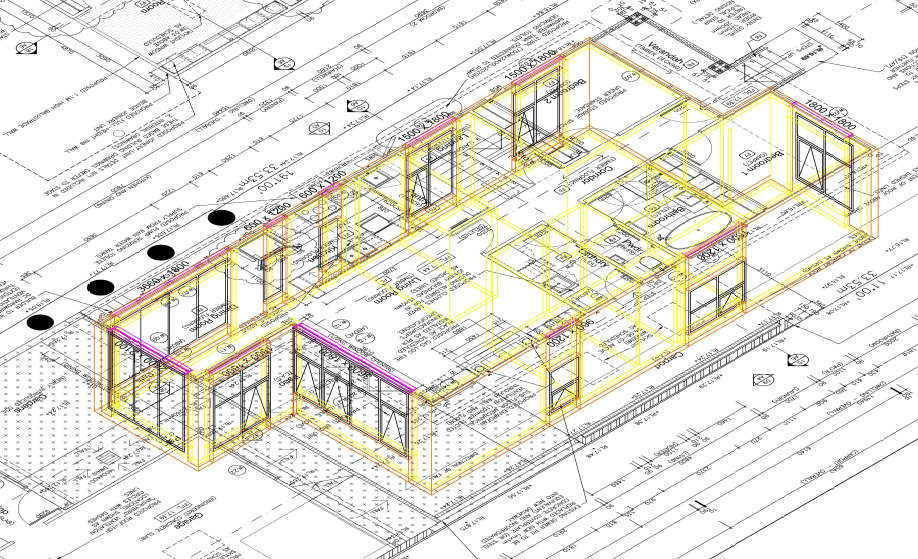
One option "they can make certain tasks much faster" is to look at drawing objects via a menu selection. A simple example is choose Text25 the text command is called and the text style is preset as well as the correct layer. We had a client think petrol, upgrading around 250 buildings, each set of plans had to be identical in terms of layers and objects, so a big menu was created and users drew by that menu standard. In this image all objects are on correct layers no user swapping layers, you draw Objects like a Wall or a Window, For the walls 4 layers and the layer names were set by the end user, a different discussion on how to do that.
-

PDF Plot Shaded Visual Style = Sawtooth Edge
lamensterms replied to lamensterms's topic in AutoCAD Drawing Management & Output
Hey mate thanks for reply Home PC: Win 8.1 ACAD 2014 i7 CPU AMD R7 250 GPU Work PC: Win 8 ACAD 2015 i5 CPU AMD HD 7350 GPU Yep these are screen caps of the PDFs I'll re-test the default PC3, but pretty sure the only change from default is the DPI -
This has started to appear hit "Try gain" and works. Using Edge. Other Forums Bricscad, Acad are Ok.
-
 Zikin joined the community
 -
 alaashukry joined the community
 -
Excellent info. Maybe the last part can be a script to create the individual polylines. In a perfect world I could set the line offsets to a range. Manual loft makes the offset hard to predict.
-

5 CAD Commands That Can Save You More Time Than You Think
Discus84 replied to indiancad's topic in AutoCAD 2D Drafting, Object Properties & Interface
1- space in lieu of enter 2-t space space - power trim 3-F2 shortcut for midpoint 4-F1 shortcut for pickstyle 0 5-mi-mirror 6-i-isolate 7-qselect -
 endarion joined the community
 -
You may find Govert's AutoCAD PlotStyle Viewer helpful: https://www.noliturbare.com/plotprint.php
-
@Paul Li very impressive answer.
-
VedaCAD - Technical Support, Updates & Community VCIDs
VicoWang replied to VicoWang's topic in AutoLISP, Visual LISP & DCL
[Wave Animator] VCID: 31E6TS @ VedaCAD
-
VedaCAD - Technical Support, Updates & Community VCIDs
VicoWang replied to VicoWang's topic in AutoLISP, Visual LISP & DCL
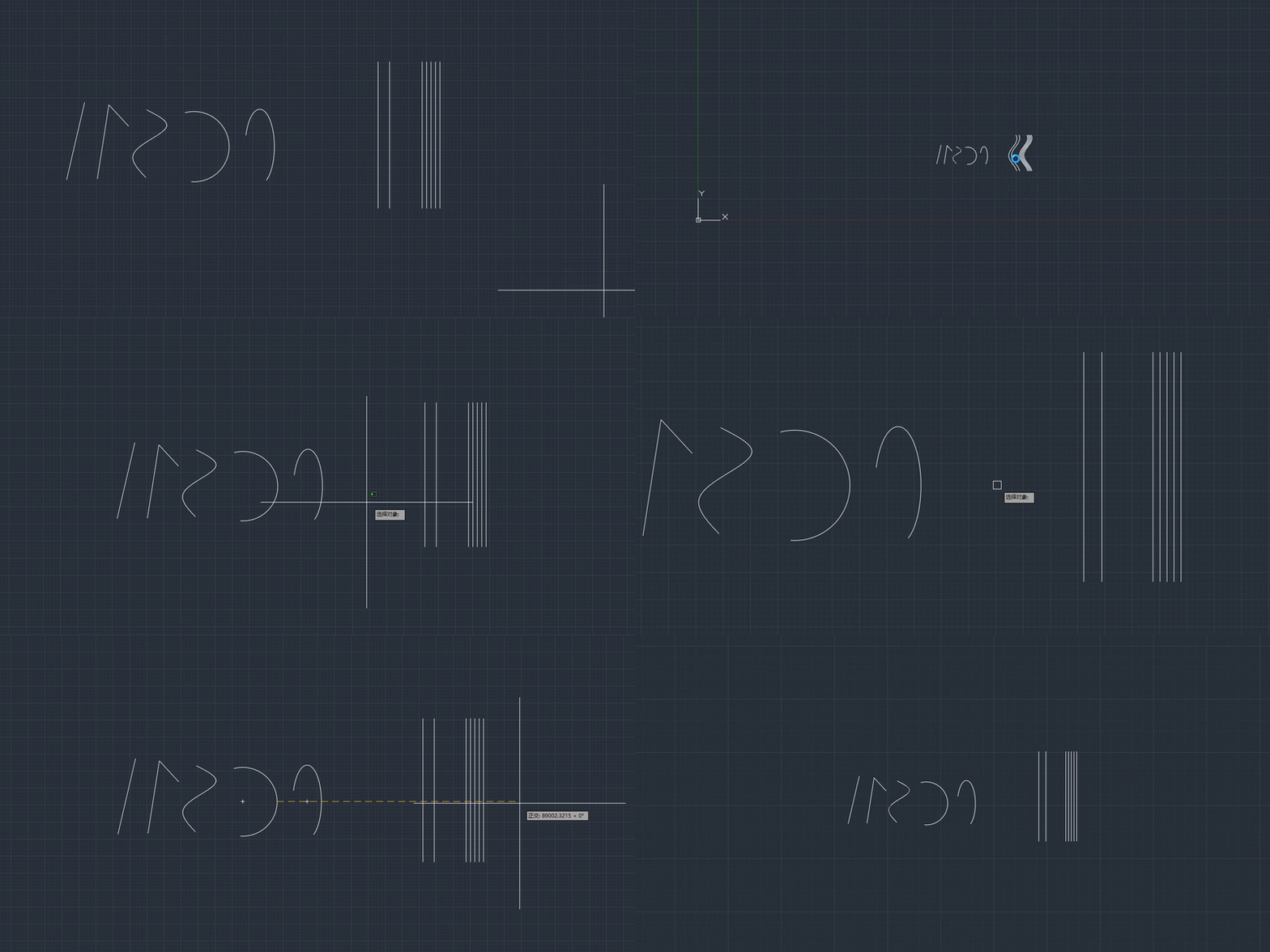
[Smart Break] VCID: D86938 @ VedaCAD Smart Break.mov -

lsp Free LISP to clean up and shrink heavy DWG files (DWGCLEAN)
Danielm103 replied to Engineer Atlas's topic in AutoLISP, Visual LISP & DCL
In ARX you would use these for general cleanup AcDbDatabase::eraseEmptyObjects(kAllEmptyObj) AcDbDatabase::purge (AcDbObjectIdArray&) # may require multiple passes AcDbDatabase::purge (AcDbObjectIdGraph&) # single pass I made a python sample here. https://www.theswamp.org/index.php?topic=60192 For something like overkill, AcGeCurveCurveInt3d is the go-to class. As it gives overlap information Here’s another python sample for finding overlapping polylines https://www.theswamp.org/index.php?topic=59828 Proxies, you can erase, or call swapid on a non-owned object. AutoCAD won’t save orphaned objects Of course with these types of methods, you must let the end user confirm the operation, as BigAl mentions, they can be destructive -

5 CAD Commands That Can Save You More Time Than You Think
Paul Li replied to indiancad's topic in AutoCAD 2D Drafting, Object Properties & Interface
I would place MATCHPROP on the very top. I use that command so much is almost like 2nd nature to click on that button on the Quick Access Bar. Others commands I use quite often are: LAYMCUR - makes selected object's layer current LAYLCK/LAYULK - selected object's layer to be locked/unlocked DRAWORDER - Sends selected object to back/front Also I tend to keep the following palettes opened/docked/auto-hidden: PROPERTIES - Object Properties LAYER - Layer Properties Manager XREF - External References - Last week
-

Cleaning up the file
troggarf replied to Discus84's topic in AutoCAD 2D Drafting, Object Properties & Interface
For those who use Civil 3D, here are two more commands that could be helpful in cleaning junk out of a file: CLEARPHANTOMPARCELS AECCPURGEACANODOBJECTS -
 MrKhosroneZHad joined the community
 -
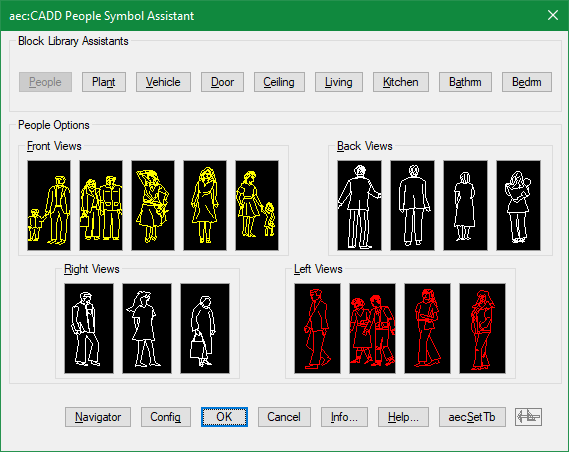
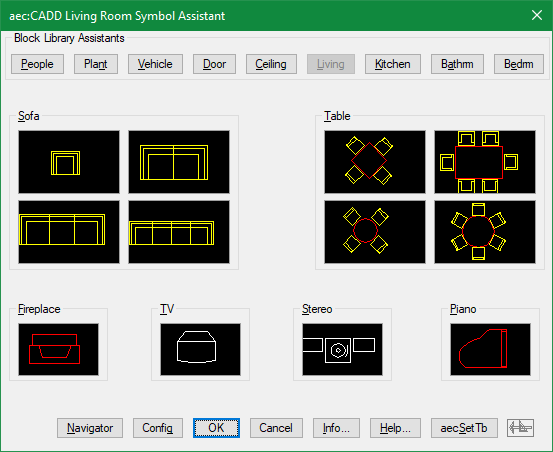
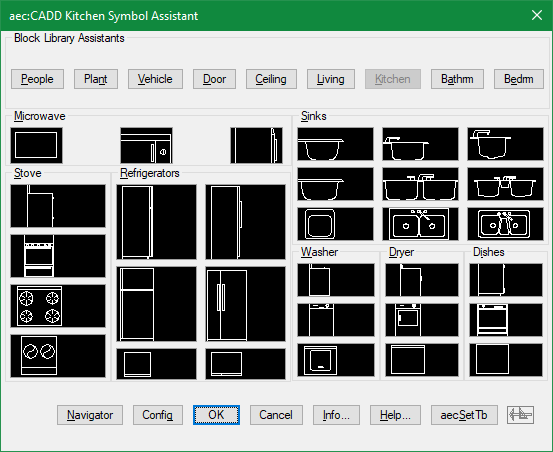
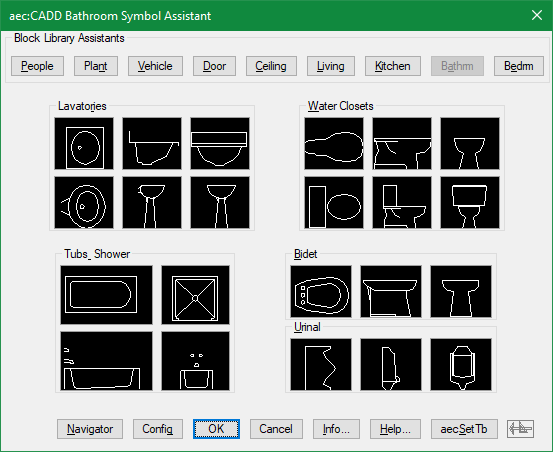
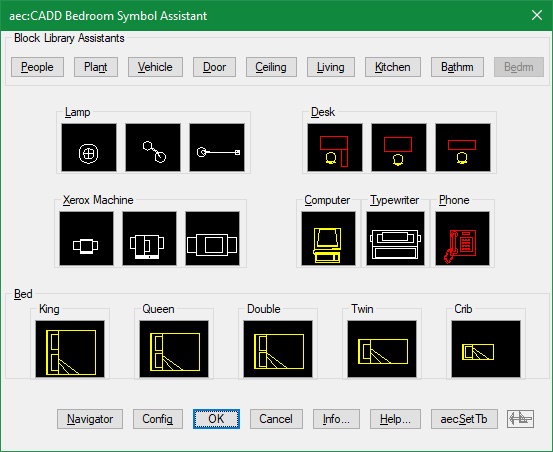
There was a time when I generated lisp files using dcl and image buttons to visually insert some typical block categories
-
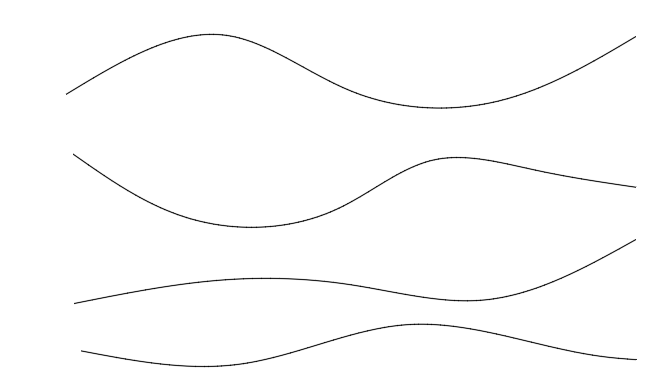
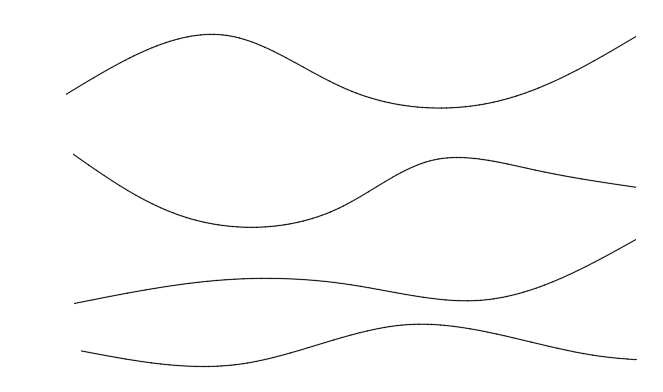
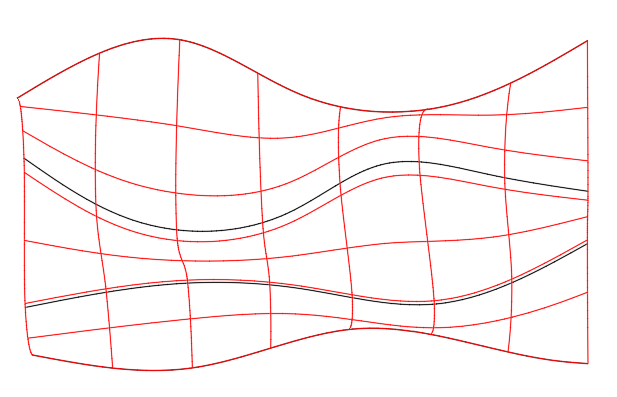
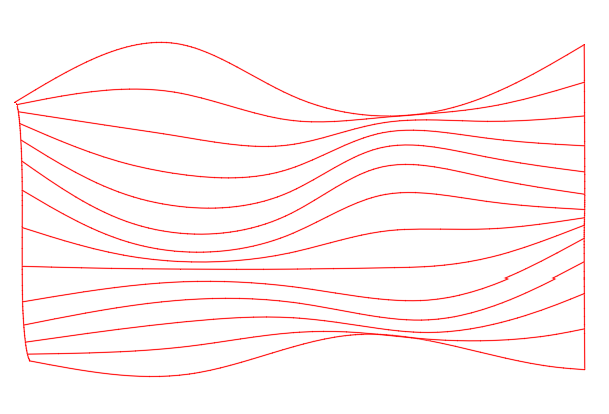
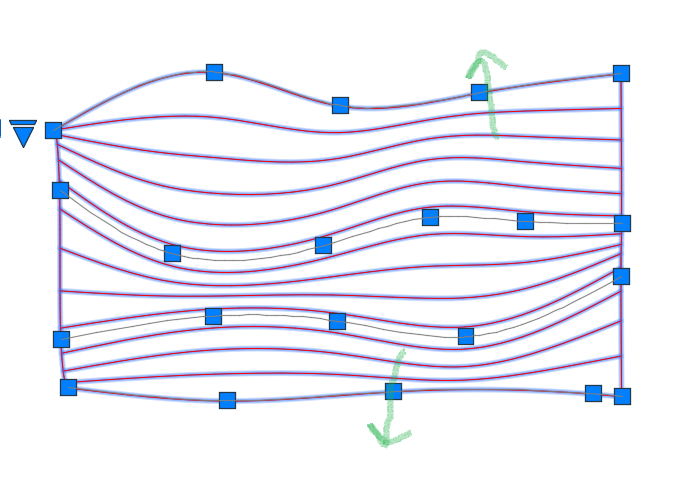
Create several splines on the XY plane then move each one in Z so that they have increasing Z values from one spline to the next. In this example the z values for the splines are 0.0, 2, 4, and 6. Use LOFT to create a surface from the splines (shown in red). From the Properties panel, change the U isoline property to a larger value (e.g.,12) and the V isoline value to 0. Select the surface and move the grips to localy adjust the spacing between isolines to meet your requirements. Note, the green arrows show grips that have been moved to increase spacing between adjacent isolines. Unfortunatly, if you need individual polylines or splines on the XY plane you will need to use SECTION to create them individually. For example,section the surface paralle to the XY plane through points at (0,0,0.5), (0,0,1), (0,0,1.5), etc.
-
 treeawareness joined the community
 -
I thought about putting an array of parallel lines flat, then pinching/lofting resulting plane at random angles in Z, and then projecting the result onto XY plane ...
-

Dimensioning in paper space
ReMark replied to Discus84's topic in AutoCAD 2D Drafting, Object Properties & Interface
I have always dimensioned in paper space. Never have experienced any problems. No need to assign multiple scale factors. -
.thumb.jpg.615654602253be56b2fbd5d064834780.jpg)
5 CAD Commands That Can Save You More Time Than You Think
indiancad posted a topic in AutoCAD 2D Drafting, Object Properties & Interface
Some CAD commands are not used every day, but once you know them, they can make certain tasks much faster. SELECTSIMILAR – quickly selects objects with similar properties. LAYWALK – lets you check the objects on individual layers without changing the drawing. OVERKILL – finds and removes duplicate or overlapping geometry. BURST – converts an attributed block into separate objects while keeping the attribute values as text. MATCHPROP – quickly copies properties such as layer, color, line type, and text style from one object to another. These are simple commands, but they can save a lot of manual work in the right situation. is there another command you think more CAD users should know ? so that people using CAD can make a note of them. -
[LISP plugin] Smart Break-a tool for quickly breaking line objects
VicoWang replied to VicoWang's topic in AutoLISP, Visual LISP & DCL
Spot on, BIGAL. You're 100% right about the quantity takeoff (QTO) catch. In civil and structural workflows, physically severing a line or pipe geometry for cosmetic reasons creates absolute havoc when extracting true lengths and schedules later on. This quick routine was built purely for 2D drafting/detailing where visual layout takes precedence, but your point about true engineering lengths is a vital distinction that every drafter should keep in mind. To your second point: you're completely right. In the 40-year history of AutoCAD and AutoLISP, is there any daily drafting convenience routine that hasn't already been written a dozen times over? This tool actually came from a junior drafter on another forum who was struggling with basic break operations. For veterans who have spent decades in the forums, digging up a 15-year-old snippet or writing a quick defun is second nature. But for someone just starting out today, wading through thousands of fragmented legacy threads, dealing with APPLOAD, and fixing support paths is an intimidating barrier. And that’s honestly the whole philosophy behind what I’m building with VedaCAD. The goal isn't to claim that I've invented groundbreaking algorithms or brand-new geometry math. The code already exists in the collective wisdom of this community. The bottleneck has always been accessibility and distribution. Packaging even the simplest, most mundane utility into a 6-character VCID isn't about code prestige—it’s about bridging that gap so a beginner can get up and running in 2 seconds without the 30-year-old deployment friction. Really appreciate the engineering critique on the cut-out lengths—always learning from the veterans here!