Search the Community
Showing results for tags 'mpl'.
Found 1 result
-
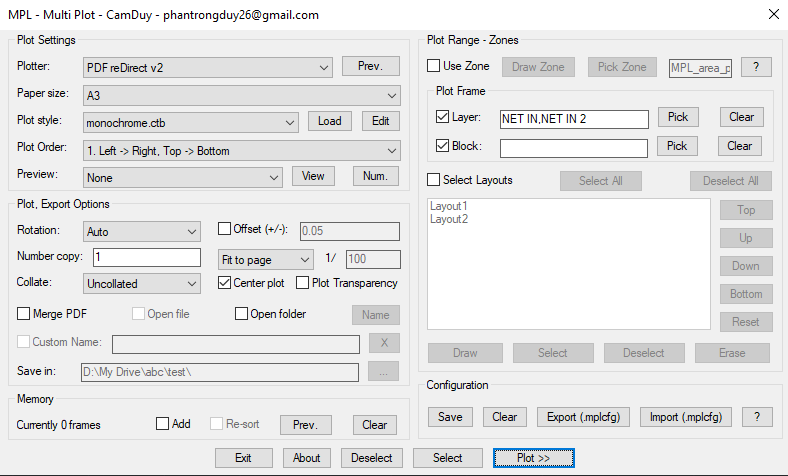
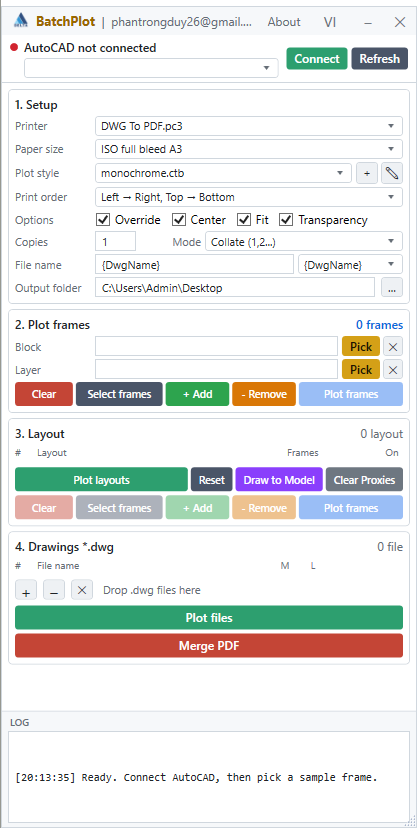
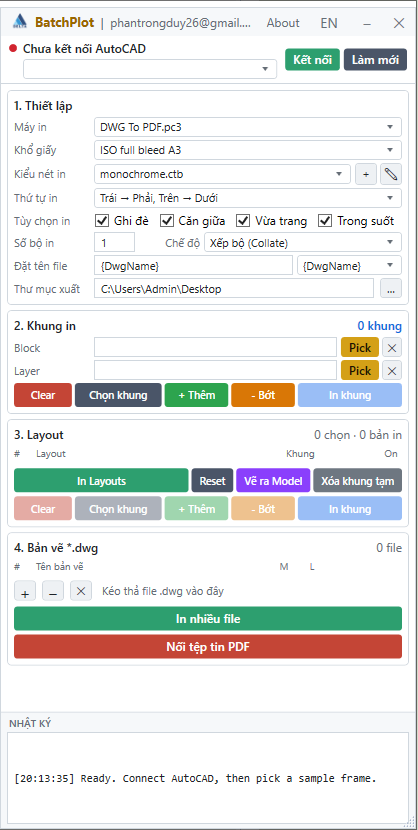
 Hello everyone, I've just finished developing MPL (Multi Plot Layout/Model), a free AutoLISP tool that helps you batch print drawings in AutoCAD. Main Features MPL includes all the essential functions found in other batch plotting LISP tools, plus several improvements: Smart and intuitive DCL interface Merge all plots into a single PDF (no additional software or virtual PDF printer required) Automatically open the output file or folder after plotting, with customizable file name and save location Zone-based plotting – organize messy drawings and print them in the correct order based on defined zones Batch plot multiple layouts – rearrange the printing order of layout tabs without dragging the tabs at the bottom of AutoCAD Print Preview mode Add Selection feature – easily add more drawings to the current print list without starting over Export/Import plot configuration for quick reuse Download and user guide: https://drive.google.com/drive/folders/1WwmkXVgHFWTy8zIhARJYCH_G2OC2A_3D?usp=sharing Feel free to download it, give it a try, and let me know your feedback. Your suggestions will help improve MPL even further! Update for the BatchPlot.exe installation version. Free download: https://drive.google.com/drive/folders/16RZS69S2tzZZzFnYW0H6QNQ3klwxB2C6?usp=drive_link