All Activity
- Past hour
-
Another way to do it: transform lines, polylines/polyarcs, circles or arcs into mutilines. This way we retain the properties of the chosen multiline style. Arcs are simulated with segments. ;; ListBox (gile) ;; Boite de dialogue permettant un ou plusieurs choix dans une liste ;; ;; Arguments ;; title : le titre de la boite de dialogue (chaîne) ;; msg ; message (chaîne), "" ou nil pour aucun ;; keylab : une liste d'association du type ((key1 . label1) (key2 . label2) ...) ;; flag : 0 = liste déroulante ;; 1 = liste choix unique ;; 2 = liste choix multipes ;; ;; Retour : la clé de l'option (flag = 0 ou 1) ou la liste des clés des options (flag = 2) ;; ;; Exemple d'utilisation ;; (listbox "Présentation" "Choisir une présentation" (mapcar 'cons (layoutlist) (layoutlist)) 1) (defun ListBox (title msg keylab flag / tmp file dcl_id choice) (setq tmp (vl-filename-mktemp "tmp.dcl") file (open tmp "w") ) (write-line (strcat "ListBox:dialog{label=\"" title "\";") file ) (if (and msg (/= msg "")) (write-line (strcat ":text{label=\"" msg "\";}") file) ) (write-line (cond ((= 0 flag) "spacer;:popup_list{key=\"lst\";") ((= 1 flag) "spacer;:list_box{key=\"lst\";") (T "spacer;:list_box{key=\"lst\";multiple_select=true;") ) file ) (write-line "}spacer;ok_button;}" file) (close file) (setq dcl_id (load_dialog tmp)) (if (not (new_dialog "ListBox" dcl_id)) (exit) ) (start_list "lst") (mapcar 'add_list (mapcar 'cdr keylab)) (end_list) (action_tile "accept" "(or (= (get_tile \"lst\") \"\") (if (= 2 flag) (progn (foreach n (str2lst (get_tile \"lst\") \" \") (setq choice (cons (nth (atoi n) (mapcar 'car keylab)) choice)) ) (setq choice (reverse choice)) ) (setq choice (nth (atoi (get_tile \"lst\")) (mapcar 'car keylab))) ) ) (done_dialog)" ) (start_dialog) (unload_dialog dcl_id) (vl-file-delete tmp) choice ) (defun def_bulg_pl (ls lb flag_closed / ls lb rad a l_new) (if (not (zerop flag_closed)) (setq ls (append ls (list (car ls))))) (while (cadr ls) (if (zerop (car lb)) (setq l_new (append l_new (list (car ls)))) (progn (setq rad (/ (distance (car ls) (cadr ls)) (sin (* 2.0 (atan (abs (car lb))))) 2.0) a (- (/ pi 2.0) (- pi (* 2.0 (atan (abs (car lb)))))) ) (if (< a 0.0) (setq a (- (* 2.0 pi) a))) (if (or (and (< (car lb) 0.0) (> (car lb) -1.0)) (> (car lb) 1.0)) (setq l_new (append l_new (reverse (cdr (reverse (bulge_pts (polar (car ls) (- (angle (car ls) (cadr ls)) a) rad) (car ls) (cadr ls) rad (car lb))))))) (setq l_new (append l_new (reverse (cdr (reverse (bulge_pts (polar (car ls) (+ (angle (car ls) (cadr ls)) a) rad) (car ls) (cadr ls) rad (car lb))))))) ) ) ) (setq ls (cdr ls) lb (cdr lb)) ) (append l_new (list (car ls))) ) (defun bulge_pts (pt_cen pt_begin pt_end rad sens / inc ang nm p1 p2 lst) (setq inc (angle pt_cen (if (< sens 0.0) pt_end pt_begin)) ang (+ (* 2.0 pi) (angle pt_cen (if (< sens 0.0) pt_begin pt_end))) nm (fix (/ (rem (- ang inc) (* 2.0 pi)) (/ (* pi 2.0) 36.0))) ) (repeat nm (setq p1 (polar pt_cen inc rad) inc (+ inc (/ (* pi 2.0) 36.0)) lst (append lst (list p1)) ) ) (setq p2 (polar pt_cen ang rad) lst (append lst (list p2)) ) (if (< sens 0.0) (reverse lst) lst) ) (defun c:polyarc2ml ( / jspl nbr l_mlstyl sel_styl ent dxf_ent typent name_layer closed lst l_bulg e_next dxf_next oldlayer oldosm key_mod scale_ml) (princ "\nSelect polylines/lines/circles/arcs for transform to multilines: ") (setq jspl (ssget '((0 . "*POLYLINE,LINE,CIRCLE,ARC") (-4 . "<NOT") (-4 . "&") (70 . 124) (-4 . "NOT>"))) nbr 0 ) (cond (jspl (setq l_mlstyl (mapcar 'cdr (vl-remove-if-not '(lambda (x) (= (car x) 3)) (dictsearch (namedobjdict) "ACAD_MLINESTYLE") ) ) ) (while (not (setq sel_styl (listbox "Multilines style" "Choose a Multiline style" (mapcar 'cons l_mlstyl l_mlstyl) 1)))) (setvar "cmlstyle" sel_styl) (initget "Top Zero Bottom") (setq key_mod (getkword (strcat "\nGive justification type [Top/Zero/Bottom] <" (cond ((eq (getvar "cmljust") 0) "Top" ) ((eq (getvar "cmljust") 1) "Zero" ) ((eq (getvar "cmljust") 2) "Bottom" ) ) ">: " ) ) ) (if key_mod (cond ((eq key_mod "Top") (setvar "cmljust" 0)) ((eq key_mod "Zero") (setvar "cmljust" 1)) ((eq key_mod "Bottom") (setvar "cmljust" 2)) ) ) (setq scale_ml (getdist (strcat "\nGive scale for multiline <" (rtos (getvar "cmlscale")) ">: "))) (if scale_ml (setvar "cmlscale" scale_ml)) (setq oldlayer (getvar "clayer") oldosm (getvar "osmode")) (setvar "osmode" 0) (setvar "cmdecho" 0) (command "_.ucs" "_world") (repeat (sslength jspl) (setq typent (cdr (assoc 0 (setq dxf_ent (entget (setq ent (ssname jspl nbr)))))) name_layer (cdr (assoc 8 dxf_ent)) ) (cond ((eq typent "LWPOLYLINE") (setq closed (boole 1 (cdr (assoc 70 dxf_ent)) 1) lst (mapcar '(lambda (x) (trans x ent 1)) (mapcar 'cdr (vl-remove-if '(lambda (x) (/= (car x) 10)) dxf_ent))) l_bulg (mapcar 'cdr (vl-remove-if '(lambda (x) (/= (car x) 42)) dxf_ent)) lst (def_bulg_pl lst l_bulg closed) ) ) ((eq typent "POLYLINE") (setq closed (boole 1 (cdr (assoc 70 dxf_ent)) 1) e_next (entnext ent) ) (while (= "VERTEX" (cdr (assoc 0 (setq dxf_next (entget e_next))))) (if (zerop (boole 1 223 (cdr (assoc 70 dxf_next)))) (setq lst (cons (trans (cdr (assoc 10 dxf_next)) ent 1) lst) l_bulg (cons (cdr (assoc 42 dxf_next)) l_bulg) ) ) (setq e_next (entnext e_next)) ) (setq lst (reverse lst) l_bulg (reverse l_bulg) lst (def_bulg_pl lst l_bulg closed) ) ) ((eq typent "LINE") (setq lst (list (trans (cdr (assoc 10 dxf_ent)) 0 1) (trans (cdr (assoc 11 dxf_ent)) 0 1)) closed 0 ) ) ((eq typent "CIRCLE") (setq lst (bulge_pts (trans (cdr (assoc 10 dxf_ent)) ent 1) (polar (trans (cdr (assoc 10 dxf_ent)) ent 1) 0.0 (cdr (assoc 40 dxf_ent))) (polar (trans (cdr (assoc 10 dxf_ent)) ent 1) (- (* 2.0 pi) (/ (* pi 2.0) 36.0)) (cdr (assoc 40 dxf_ent))) (cdr (assoc 40 dxf_ent)) 1 ) lst (append lst (list (car lst))) closed 1 ) ) ((eq typent "ARC") (setq lst (bulge_pts (trans (cdr (assoc 10 dxf_ent)) ent 1) (polar (trans (cdr (assoc 10 dxf_ent)) ent 1) (cdr (assoc 50 dxf_ent)) (cdr (assoc 40 dxf_ent))) (polar (trans (cdr (assoc 10 dxf_ent)) ent 1) (cdr (assoc 51 dxf_ent)) (cdr (assoc 40 dxf_ent))) (cdr (assoc 40 dxf_ent)) 1 ) closed 0 ) ) ) (cond (lst (setvar "clayer" name_layer) (command "_.mline") (foreach n lst (command n)) (if (not (zerop closed)) (command "_close") (command "")) (entdel ent) ) ) (setq nbr (1+ nbr) lst nil l_bulg nil) ) (command "_.ucs" "_previous") (setvar "clayer" oldlayer) (setvar "osmode" oldosm) (setvar "cmdecho" 1) ) (T (princ "\nSelect is empty")) ) (prin1) )
- Today
-
Hi, The GeometryExtensions.NET library provides a generic KdTree<T> class which uses parallel computation for building the tree. It also provides an example of Point3dTree class but can used with any type of object providing a 'getPosition' function. // public KdTree(IEnumerable<T> source, Func<T, Point3d>?getPosition, int dimension) var tree = new KdTree<BlockReference>(blockList, br => br.Position, 2);
-

PDF Plot Shaded Visual Style = Sawtooth Edge
VicoWang replied to lamensterms's topic in AutoCAD Drawing Management & Output
you can try pdfFactory, which is a system-level virtual printer that allows for limited editing during the printing process, such as adjusting the order, rotating individual pages, etc. When used with a CAD batch printing plugin, it can directly generate a multi-page high-precision CAD print PDF file. -
I often encounter 500 errors here as well. I've always thought it was a necessary test for the upgrade to version 5, so I refresh it several times, and it can be refreshed successfully.
-
At that time, welcome to publish it to the VedaCAD plugin ecosystem. If you want to keep it open source, you can even directly publish it in LSP format (the one downloaded to the local sandbox via VCID is also in LSP).
-
[LISP plugin] Smart Break-a tool for quickly breaking line objects
VicoWang replied to VicoWang's topic in AutoLISP, Visual LISP & DCL
Good eye! To be honest, this is simply a lightweight wrapper around the native ._BREAK command — no custom vlax-curve stuff here. It just passes the pick points directly to CAD. So for edge cases like 3D Polylines or closed objects (PELLIPSE = 1), it completely inherits standard AutoCAD behavior (and its native limitations). Here is the source code so you can see exactly what it's doing under the hood: ;; ----------------------------------------------------------------------------- ;; Plugin Name: Smart Break ;; Version: 1.0 ;; Author: Vico ;; Description: A smarter break command for Line, Polyline, Circle, Arc, Ellipse, ;; and Spline objects. Supports both single-point and two-point break operations. ;; ----------------------------------------------------------------------------- (defun c:SB ( / *error* old_osmode old_cmdecho ent pt1 pt2 ) (defun *error* ( msg ) (if old_osmode (setvar "OSMODE" old_osmode)) (if old_cmdecho (setvar "CMDECHO" old_cmdecho)) (princ) ) (setq old_osmode (getvar "OSMODE")) (setq old_cmdecho (getvar "CMDECHO")) (setvar "OSMODE" 545) (setvar "CMDECHO" 0) (if (setq ent (entsel "\nSelect object to break: ")) (if (setq pt1 (getpoint "\nSpecify first break point: ")) (progn (setq pt2 (getpoint pt1 "\nSpecify second break point <Press ENTER for single point>: ")) (if (not pt2) (setq pt2 pt1) ) (vl-cmdf "._BREAK" ent "_F" "_non" pt1 "_non" pt2) ) ) ) (setvar "OSMODE" old_osmode) (setvar "CMDECHO" old_cmdecho) (princ) ) (princ "\nSmart Break v1.0 by Vico loaded. Type SB to execute.") (princ) -
I'm at home today, back at work tomorrow. I can do it, just need the time. I quickly tested this at home on 2000i and it looks to be working fine. I do believe I have everything working Except the direct to MS Excel on LibreOffice Calc. I have posted an updated LISP in the first post.
-

[LISP plugin] Smart Break-a tool for quickly breaking line objects
SLW210 replied to VicoWang's topic in AutoLISP, Visual LISP & DCL
Does it break an Ellipse that was created with PELLIPSE = 1, which is the old style Polyline, a.k.a. Heavy Polyline and 2D Polyline? 3D Polylines? -
I forgot all about Govert's programs. I use them on the home computers that have AutoCAD 2000i.
-
I've been getting those randomly as well at home on Firefox and work on Edge.
-
PDF Plot Shaded Visual Style = Sawtooth Edge
SLW210 replied to lamensterms's topic in AutoCAD Drawing Management & Output
It is most likely the graphics cards/drivers. They show a large difference in performance benchmarks. Are the drivers up to date? Do they look better in the AutoCAD plot preview? What are you using to view PDFs? Do those older AutoCAD versions have the High Quality PDF plotter? -
5 CAD Commands That Can Save You More Time Than You Think
SLW210 replied to indiancad's topic in AutoCAD 2D Drafting, Object Properties & Interface
MA = Matchprop, it can be handy. Selectsimilar can be handy, Qselect can be even better at times. Overkill, is limited, can be useful, but I have and I am still working/adding to a complete drawing cleanup LISP. I do use -PU =- Purge sometimes, but also it will be replaced with the cleanup LISP. I do not believe BURST is a good command at all. I do not use LAYWALK either, I do not see the need in my work. -
 Jiwo joined the community
 - Yesterday
-

5 CAD Commands That Can Save You More Time Than You Think
BIGAL replied to indiancad's topic in AutoCAD 2D Drafting, Object Properties & Interface
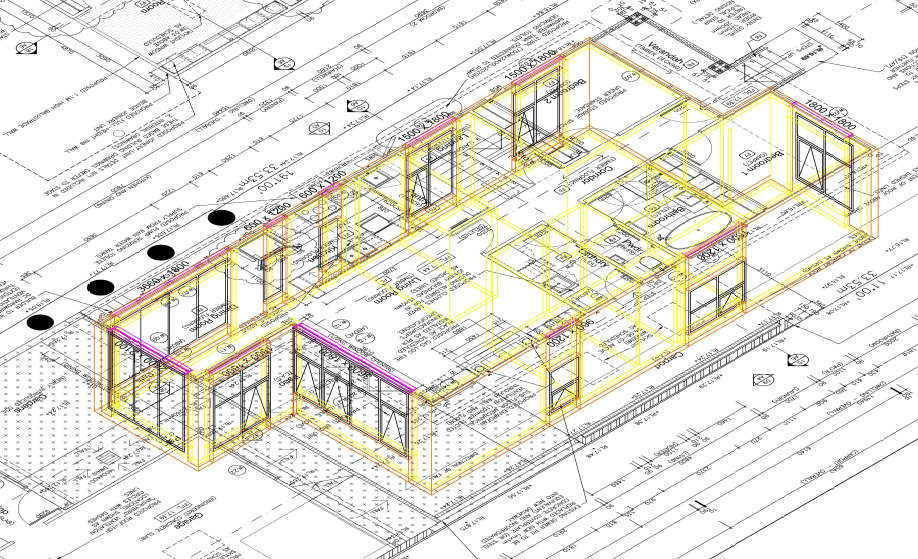
One option "they can make certain tasks much faster" is to look at drawing objects via a menu selection. A simple example is choose Text25 the text command is called and the text style is preset as well as the correct layer. We had a client think petrol, upgrading around 250 buildings, each set of plans had to be identical in terms of layers and objects, so a big menu was created and users drew by that menu standard. In this image all objects are on correct layers no user swapping layers, you draw Objects like a Wall or a Window, For the walls 4 layers and the layer names were set by the end user, a different discussion on how to do that.
-

PDF Plot Shaded Visual Style = Sawtooth Edge
lamensterms replied to lamensterms's topic in AutoCAD Drawing Management & Output
Hey mate thanks for reply Home PC: Win 8.1 ACAD 2014 i7 CPU AMD R7 250 GPU Work PC: Win 8 ACAD 2015 i5 CPU AMD HD 7350 GPU Yep these are screen caps of the PDFs I'll re-test the default PC3, but pretty sure the only change from default is the DPI -
This has started to appear hit "Try gain" and works. Using Edge. Other Forums Bricscad, Acad are Ok.
-
 Zikin joined the community
 -
 alaashukry joined the community
 -
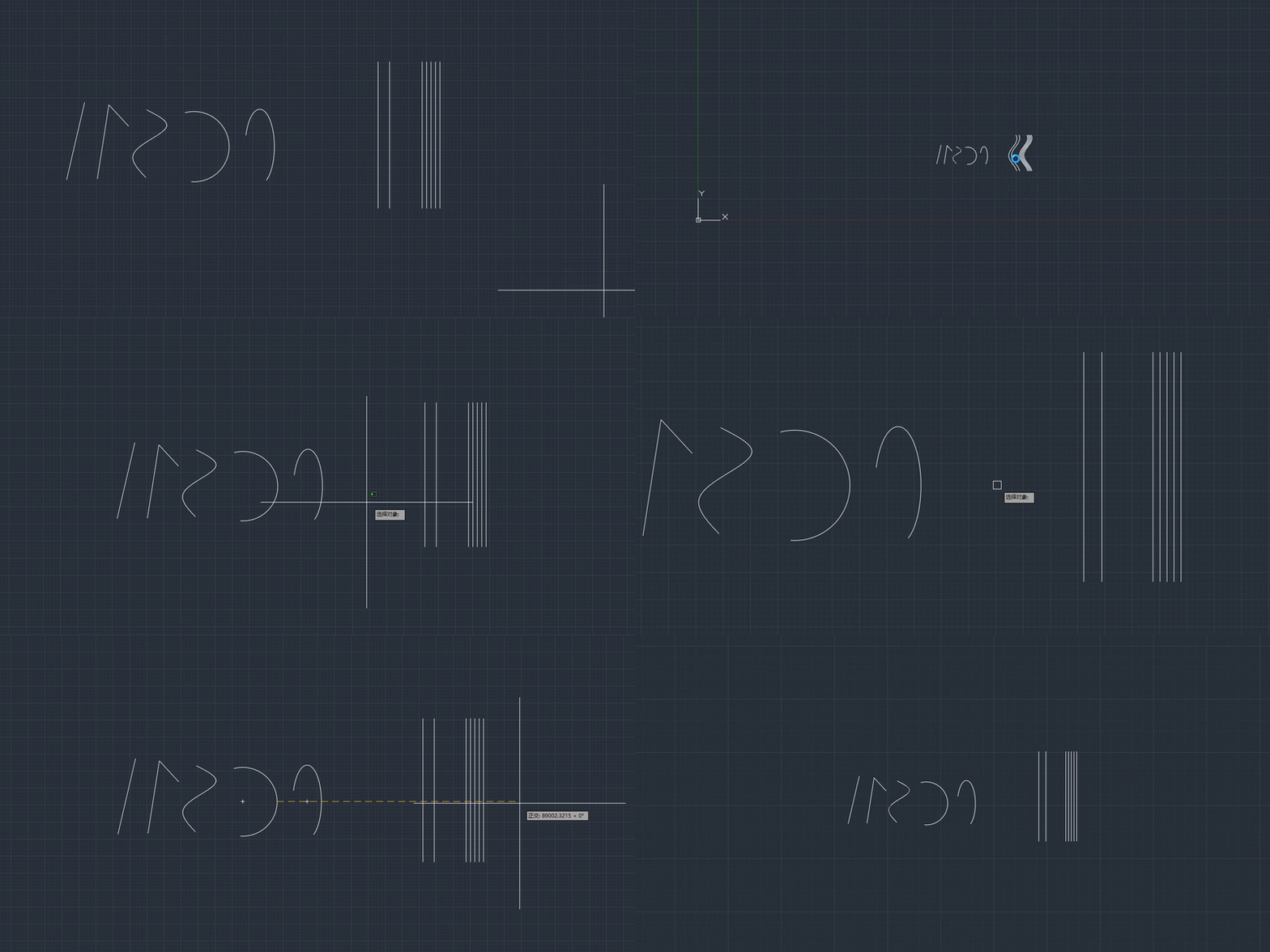
Excellent info. Maybe the last part can be a script to create the individual polylines. In a perfect world I could set the line offsets to a range. Manual loft makes the offset hard to predict.
-

5 CAD Commands That Can Save You More Time Than You Think
Discus84 replied to indiancad's topic in AutoCAD 2D Drafting, Object Properties & Interface
1- space in lieu of enter 2-t space space - power trim 3-F2 shortcut for midpoint 4-F1 shortcut for pickstyle 0 5-mi-mirror 6-i-isolate 7-qselect -
 endarion joined the community
 -
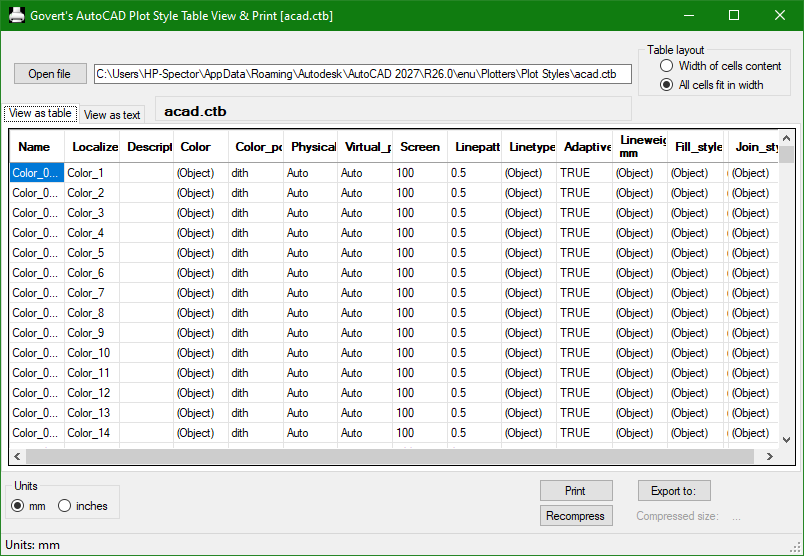
You may find Govert's AutoCAD PlotStyle Viewer helpful: https://www.noliturbare.com/plotprint.php
-
@Paul Li very impressive answer.
-
VedaCAD - Technical Support, Updates & Community VCIDs
VicoWang replied to VicoWang's topic in AutoLISP, Visual LISP & DCL
[Wave Animator] VCID: 31E6TS @ VedaCAD
-
VedaCAD - Technical Support, Updates & Community VCIDs
VicoWang replied to VicoWang's topic in AutoLISP, Visual LISP & DCL
[Smart Break] VCID: D86938 @ VedaCAD Smart Break.mov -

lsp Free LISP to clean up and shrink heavy DWG files (DWGCLEAN)
Danielm103 replied to Engineer Atlas's topic in AutoLISP, Visual LISP & DCL
In ARX you would use these for general cleanup AcDbDatabase::eraseEmptyObjects(kAllEmptyObj) AcDbDatabase::purge (AcDbObjectIdArray&) # may require multiple passes AcDbDatabase::purge (AcDbObjectIdGraph&) # single pass I made a python sample here. https://www.theswamp.org/index.php?topic=60192 For something like overkill, AcGeCurveCurveInt3d is the go-to class. As it gives overlap information Here’s another python sample for finding overlapping polylines https://www.theswamp.org/index.php?topic=59828 Proxies, you can erase, or call swapid on a non-owned object. AutoCAD won’t save orphaned objects Of course with these types of methods, you must let the end user confirm the operation, as BigAl mentions, they can be destructive -

5 CAD Commands That Can Save You More Time Than You Think
Paul Li replied to indiancad's topic in AutoCAD 2D Drafting, Object Properties & Interface
I would place MATCHPROP on the very top. I use that command so much is almost like 2nd nature to click on that button on the Quick Access Bar. Others commands I use quite often are: LAYMCUR - makes selected object's layer current LAYLCK/LAYULK - selected object's layer to be locked/unlocked DRAWORDER - Sends selected object to back/front Also I tend to keep the following palettes opened/docked/auto-hidden: PROPERTIES - Object Properties LAYER - Layer Properties Manager XREF - External References - Last week
-

Cleaning up the file
troggarf replied to Discus84's topic in AutoCAD 2D Drafting, Object Properties & Interface
For those who use Civil 3D, here are two more commands that could be helpful in cleaning junk out of a file: CLEARPHANTOMPARCELS AECCPURGEACANODOBJECTS -
 MrKhosroneZHad joined the community
 -
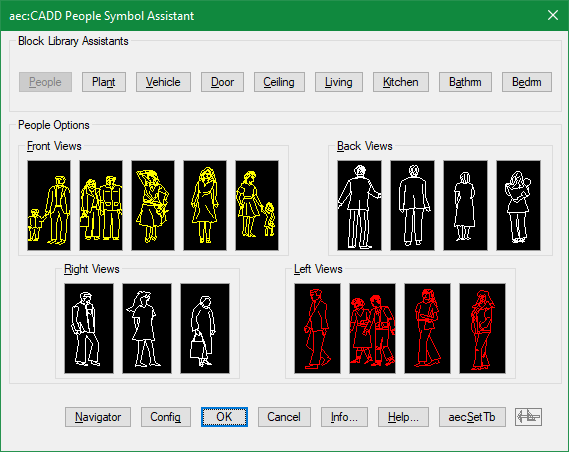
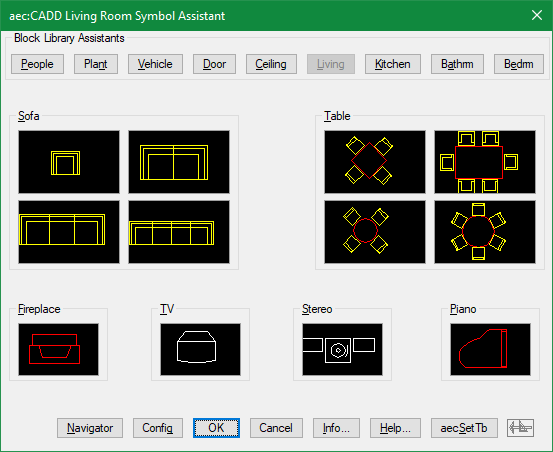
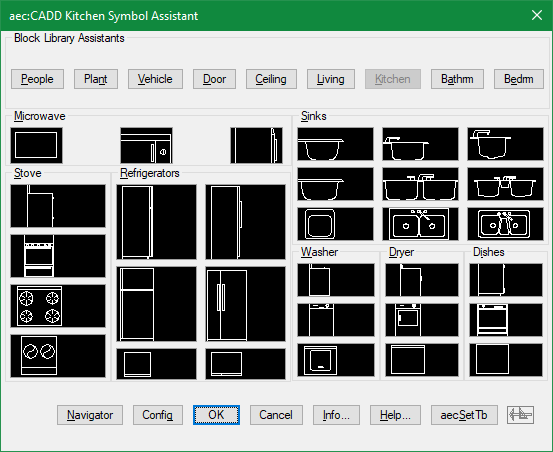
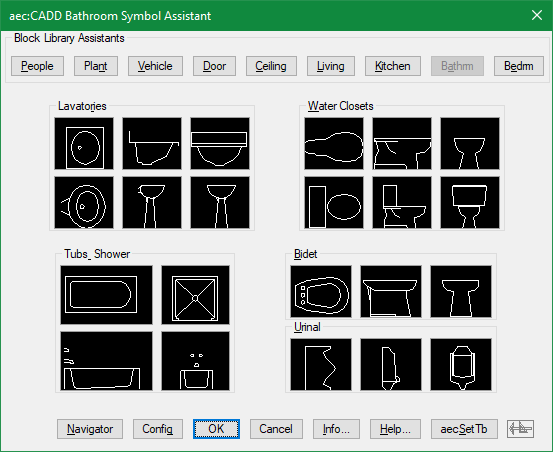
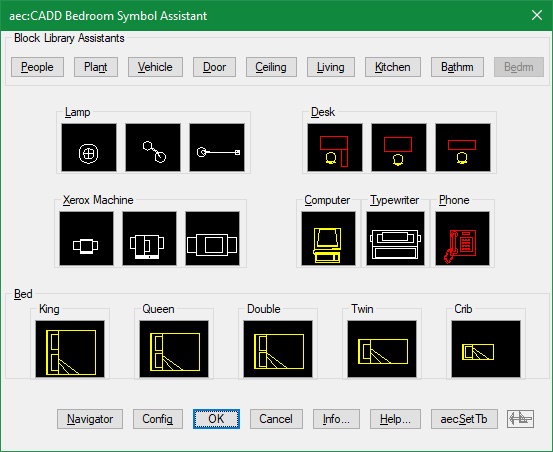
There was a time when I generated lisp files using dcl and image buttons to visually insert some typical block categories