Leaderboard



Popular Content
Showing content with the highest reputation on 01/22/2026 in all areas
-
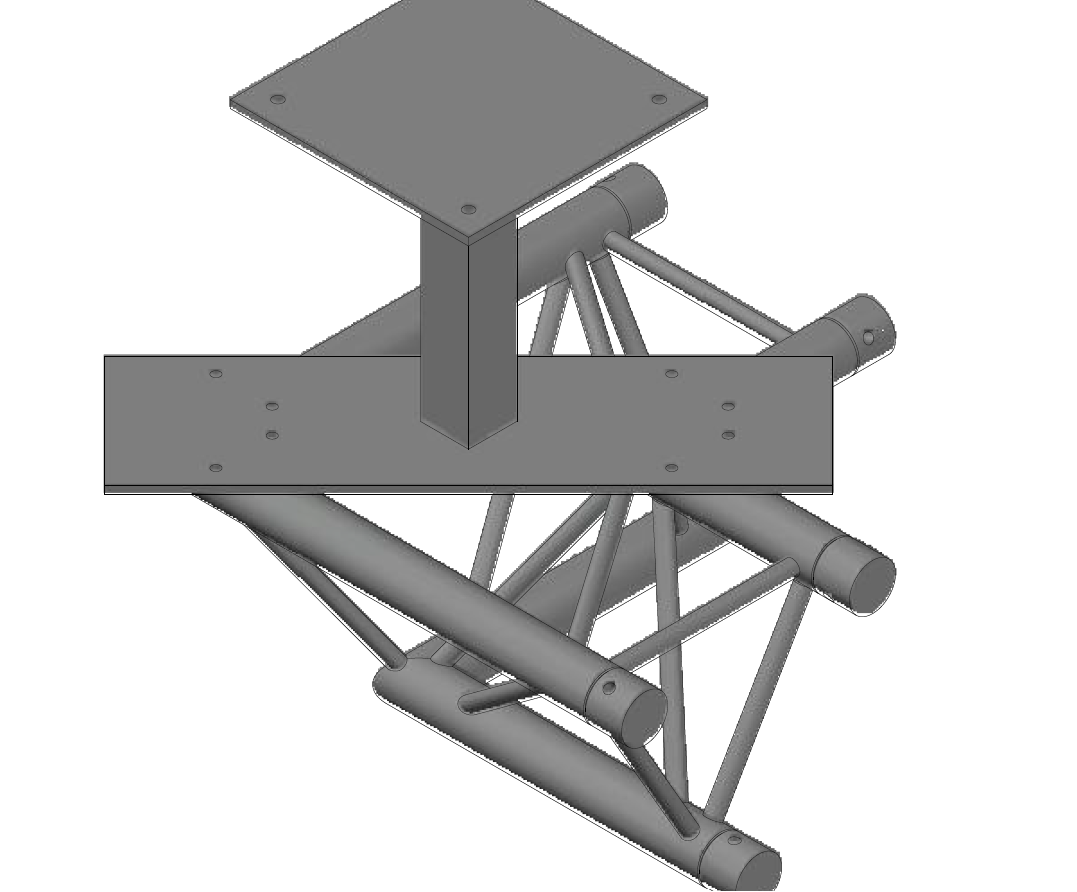
Hi all, hoping someone can assist. I have an issue- when creating a 3D drawing in AutoCAD 2022, the shading on diagonal lines when in paper space appears jagged, see screen shot attached. This happens when printing to pdf/ plotting and when viewing on the screen. I am using the BASE command to import the 3D Model into a template. The shading looks fine in model space in all modes on diagonal lines. Is anyone able to please assist? Many thanks Alex
 1 point
 -
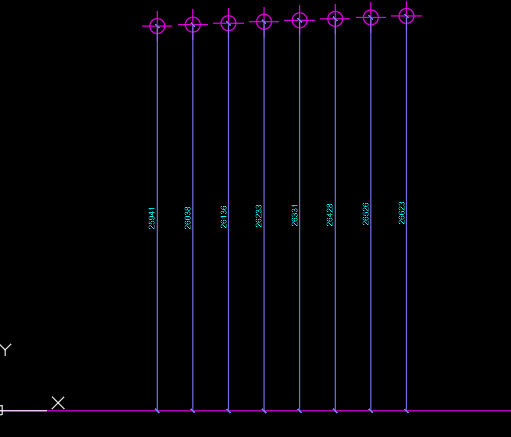
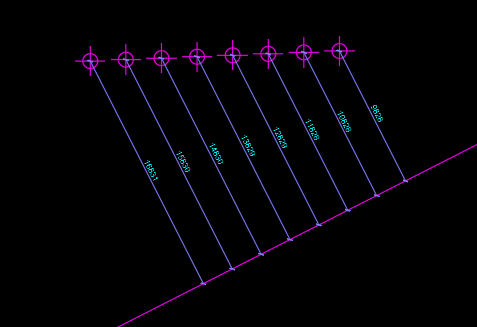
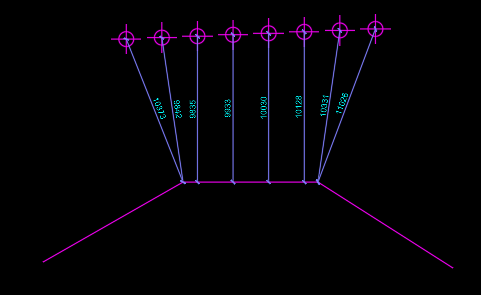
Here is a boiled down simple version with no error testing. It assumes that the dimensions will run on the same angle as the angle between the point and the curve segment: ;; Created by P. Kenewell 1/22/2026 (defun c:dim2pts (/ ep i p1 p2 p3 ss) (if (and (progn (princ "\nSelect Points to Dimension: ") (setq ss (ssget '((0 . "POINT,INSERT")))) ) (setq ep (entsel "\nSelect a curve to Dimension to: ")) ) (repeat (setq i (sslength ss)) (setq p1 (cdr (assoc 10 (entget (ssname ss (setq i (1- i)))))) p2 (vlax-curve-getclosestpointto (vlax-ename->vla-object (car ep)) p1) p3 (polar p1 (angle p1 p2) (/ (distance p1 p2) 2)) ) (command "._dimrotated" (* (/ (angle p1 p2) pi) 180.0) "_non" p1 "_non" p2 "_non" p3) ) ) (princ) ) Example Screenshots:
1 point
-
I did something for water pipes or electric cables in a road, it just allows you to follow line segments, with a predefined offset. I am not sure though in your last bit of Video if you want to enter the length of the last leg, can you clarify that. The code I have draws a full last length. @ScottMC not sure that overall length is required. Just a ps did you mean to post the actual code as you have the lisp file to download.1 point
-
Why get fancy? (max 0 (- botLength 6000))1 point
-
Here's a useful Lee.Mac Power.tool TotalLengthPolylineV1-0.lsp0 points