Leaderboard


Popular Content
Showing content with the highest reputation on 09/06/2026 in all areas
-
@Paul Li very impressive answer.1 point
-
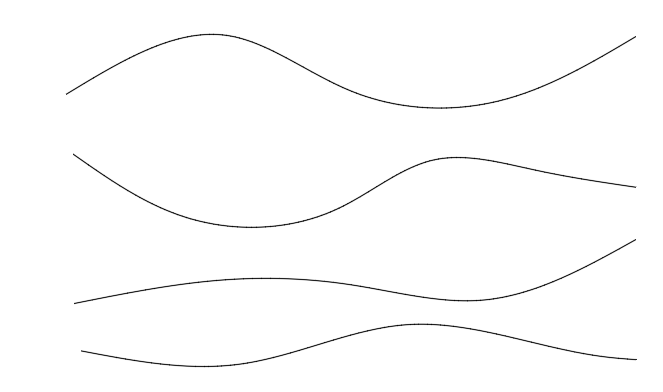
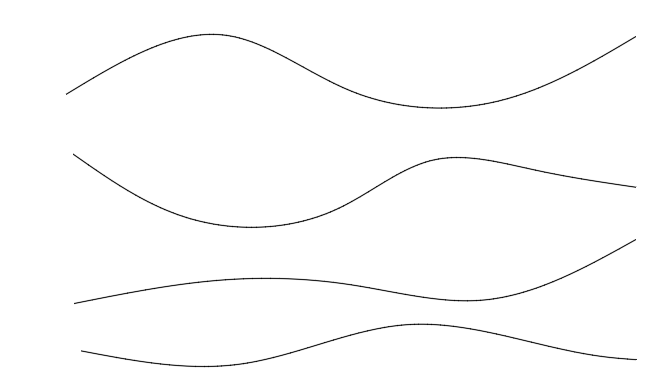
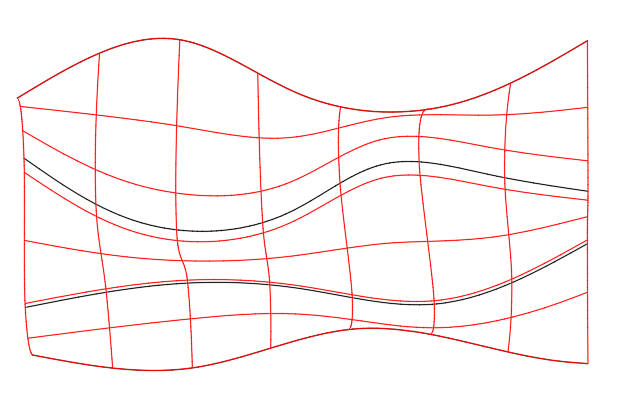
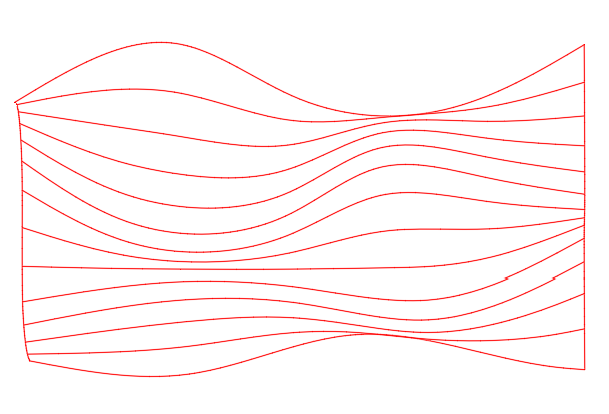
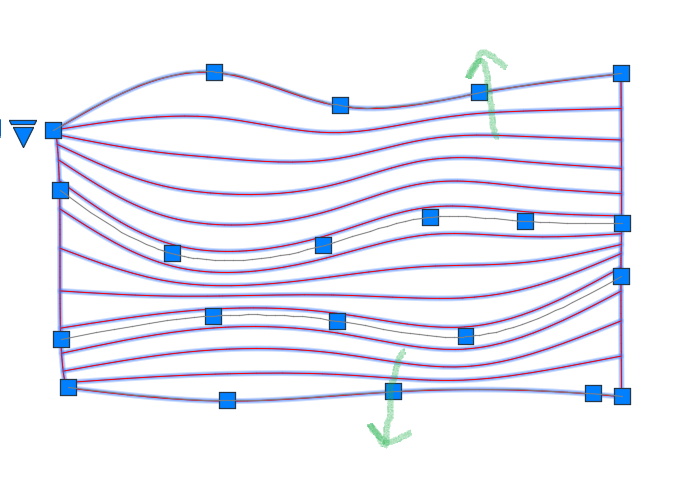
Create several splines on the XY plane then move each one in Z so that they have increasing Z values from one spline to the next. In this example the z values for the splines are 0.0, 2, 4, and 6. Use LOFT to create a surface from the splines (shown in red). From the Properties panel, change the U isoline property to a larger value (e.g.,12) and the V isoline value to 0. Select the surface and move the grips to localy adjust the spacing between isolines to meet your requirements. Note, the green arrows show grips that have been moved to increase spacing between adjacent isolines. Unfortunatly, if you need individual polylines or splines on the XY plane you will need to use SECTION to create them individually. For example,section the surface paralle to the XY plane through points at (0,0,0.5), (0,0,1), (0,0,1.5), etc.
 1 point
-
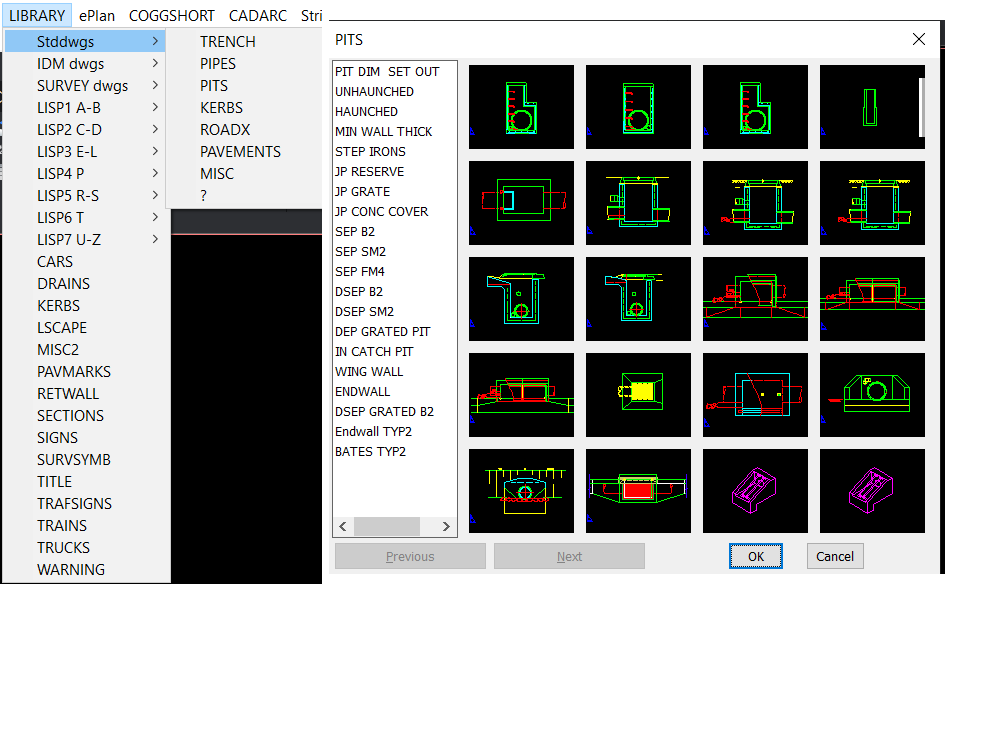
If you go old fashioned this is built into a pop menu. If you can use Notepad then you can make one. Note the Next and Previous inbuilt options. But I also have 2x2, 3x3, 4x4 and so on dcl's they are used when relevant to limited choices in code via an image pick.
1 point