


About This File
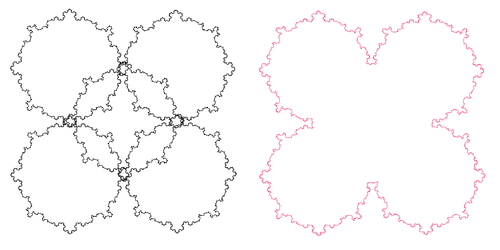
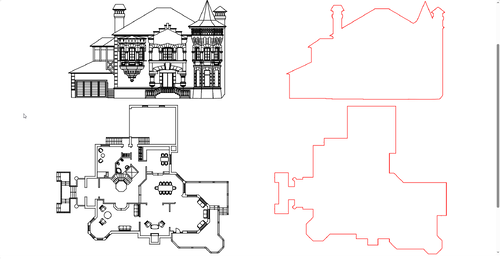
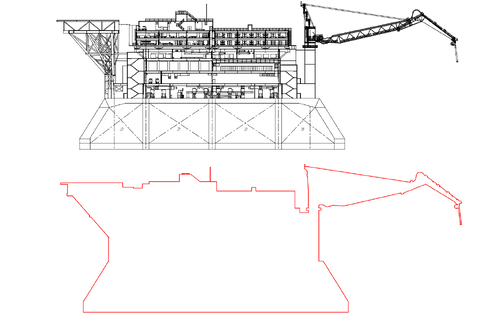
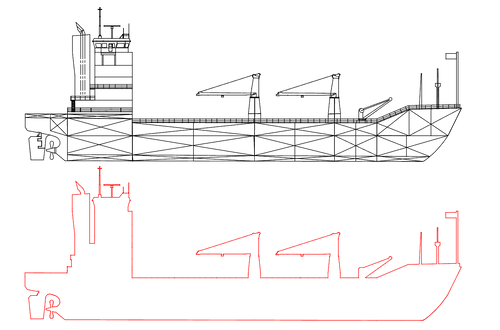
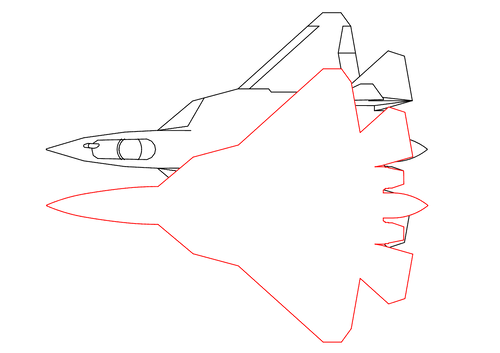
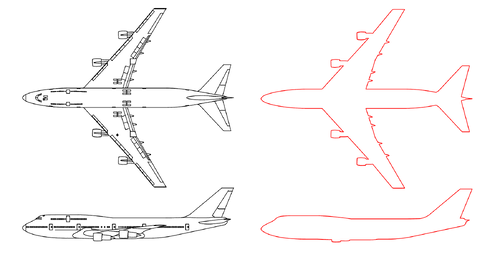
EGBoundary is a CAD plugin designed to generate clean outer boundaries from complex 2D drawings.
It is intended for situations where standard boundary creation methods may struggle due to:
- small gaps
- overlapping geometry
- dense drawings
- complex spline/arc combinations
EGBoundary is designed to simplify boundary creation workflows and reduce the amount of manual cleanup and time often required in complex drawings.
Workflow Overview:
- Type EGBOUNDARY (Case Insensitive) on command line.
- Select the drawing geometry
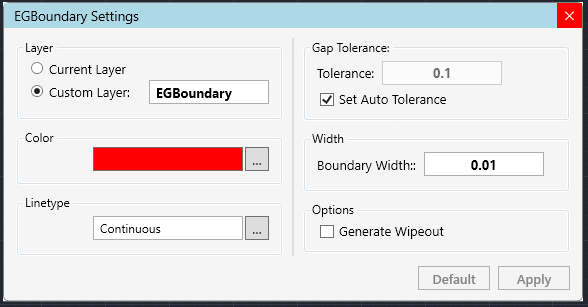
- Configure tolerance/output settings if required by typing ' S ' on command line
- Press enter to generate the outer boundary polyline
Demonstration Video:
Key Features:
- Generates clean closed outer boundaries from selected geometry.
- Automatic and manual tolerance handling.
- Supports multiple outer boundary detection from a single selection.
- Custom output layer and color options.
- Custom linetype options.
- Works with large and complex drawings containing many entities.
- Supports lines, arcs, splines, ellipses, polylines, and blocks.
- Supports Wipeout generation.
Compatibility:
- AutoCAD
- BricsCAD
- GstarCAD
- ZWCAD
Official Website:
For more information, updates, documentation, or EGBoundary for other CAD platforms, please visit:
Official Website For EGBOUNDARY
For any queries related to EGBoundary or CAD customization, feel free to reach out to us at:
contact@engenext.com or aniruddha.raste@engenext.com
Would really appreciate feedback, suggestions, or difficult test cases from the community.
Edited by Aniruddha
What's New in Version 1.0.9704 See changelog
Released
- Resolved latency issues to improve plugin responsiveness.
- Enhanced overall system performance.
- Fixed minor bugs and stability issues.
- Implemented a standardized installation procedure for AutoCAD.
Recommended Comments
There are no comments to display.
Join the conversation
You can post now and register later. If you have an account, sign in now to post with your account.
Note: Your post will require moderator approval before it will be visible.